
Gallery details
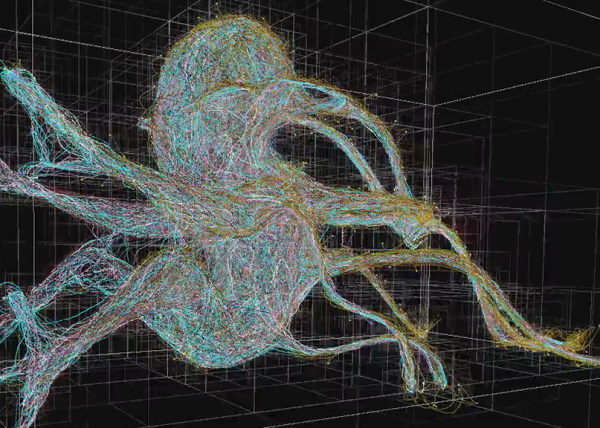
Culebra MultiBehavior Connectivity System – OcTree Optimized
Download the App – prolebra.0.9Beta snippet Test
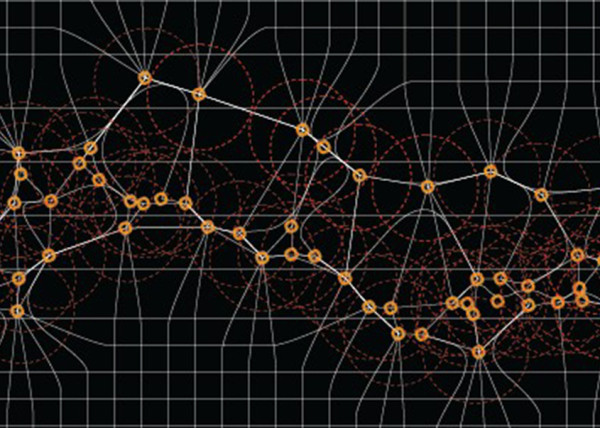
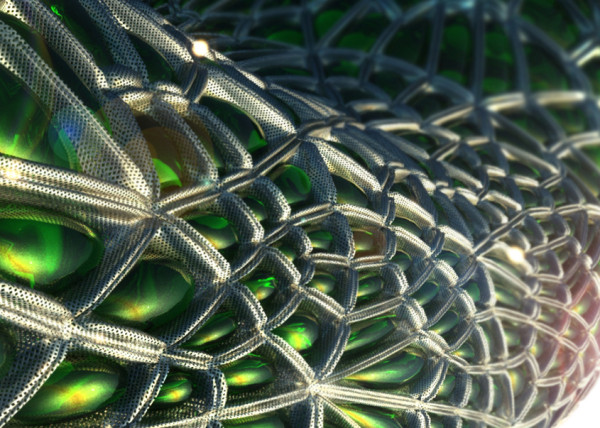
A multi behavior octree optimized multi agent system built in Processing 3.0 inspired by flocking and Silkworm Behaviors.
PROCESSING 3.0 SKETCH CODE
Recently in Portfolio
- [K]ernels

- Nike A.I.R Prototypes

- [A]nisochromatic Meshing
- Nike After Dark Tour

- PARAPRAXIS
- [001.HRR] CONCEPT BIKE
- 2040:LUNAR.OUTPOST[a]
- HE.6 2020 Prototype

- CULEBRA.NET
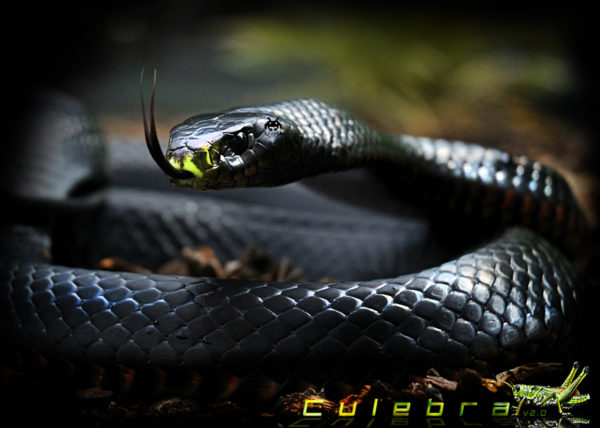
- PYTORCH-CLASSIFIER
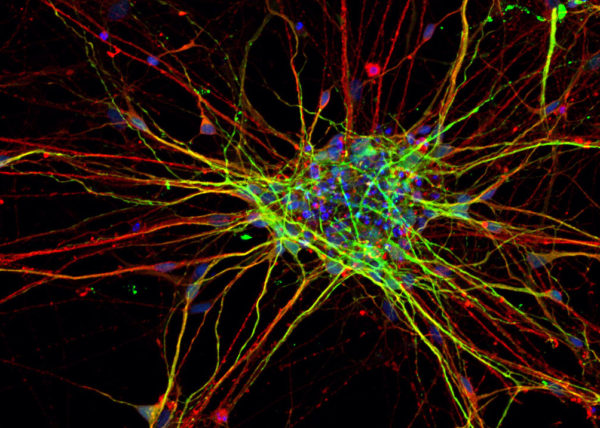
- Nike Zoom Superfly Elite

- BENGBU CITY OPERA

- Nike Footscape Flyknit DM

- Jordan Hyperdunk React

- KA-HELMET
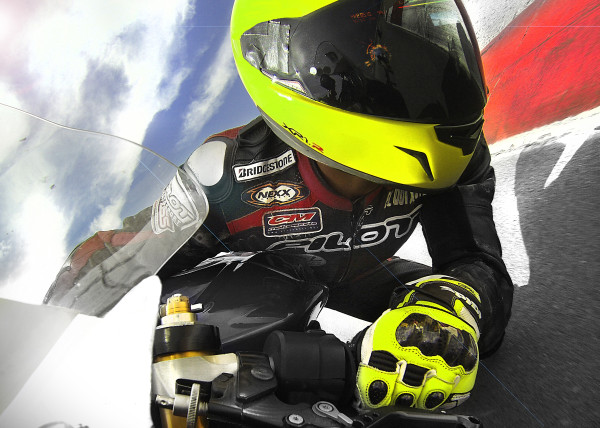
- [C]ucarachas
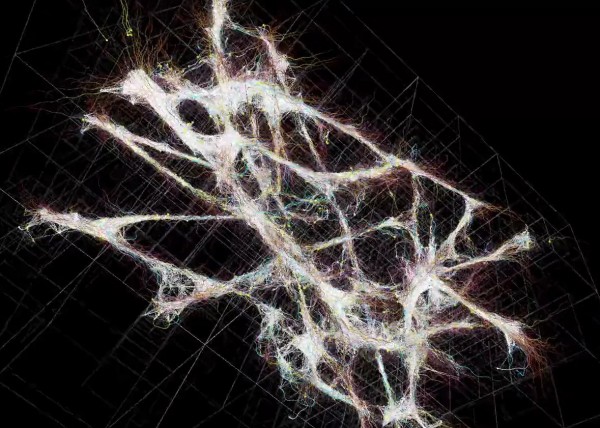
- [S]eeker
- [O]h Baby
- [E]l Papa
- [S]hatter.Brain
- [S]tigmergy
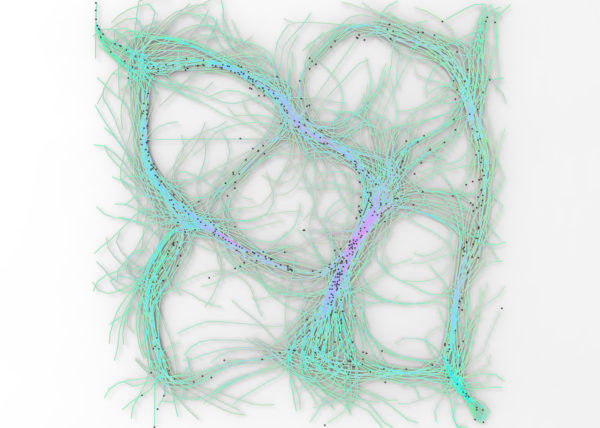
- [F]orces
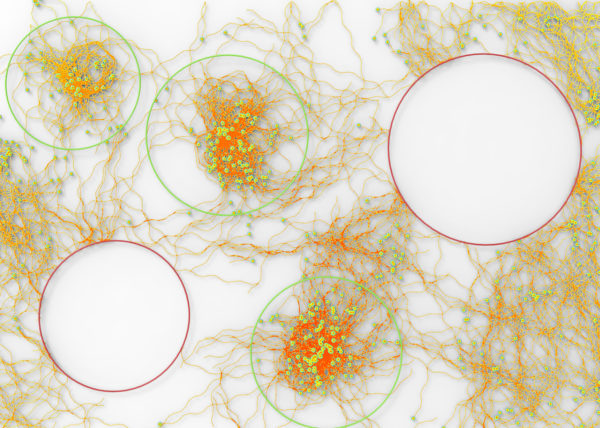
- CULEBRA.JAVA
- [C]ulebra.MultiBehaviors
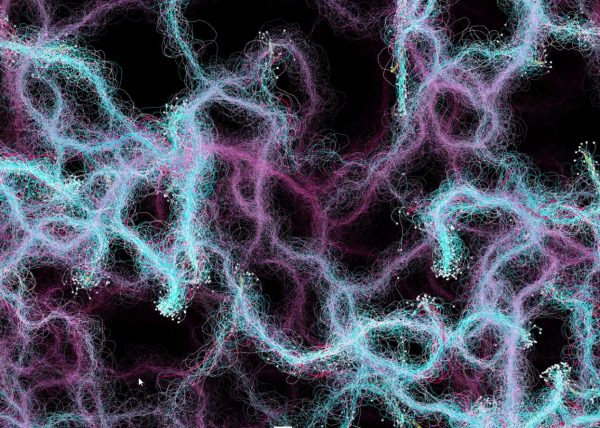
- [S]ticky Stuff
- [S]entinels
- [G]allopingTopiary
- RELUXOED
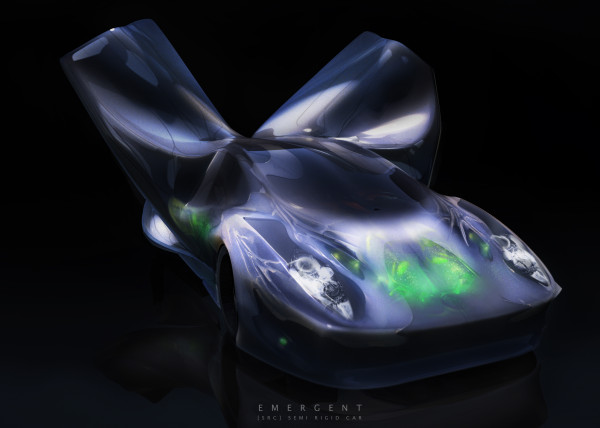
- [SRC] . Semi Rigid Car
- [P]erlin
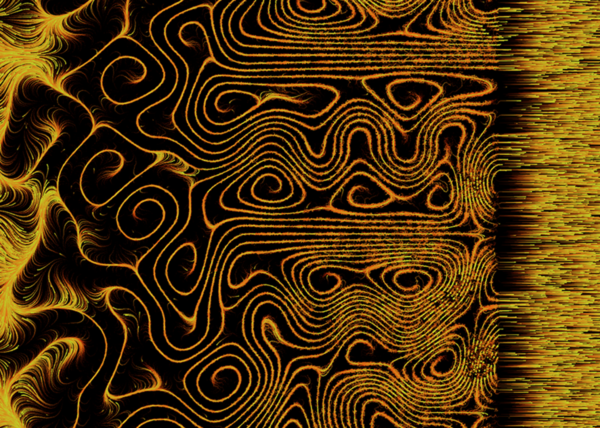
- [E]ternal Wanderers
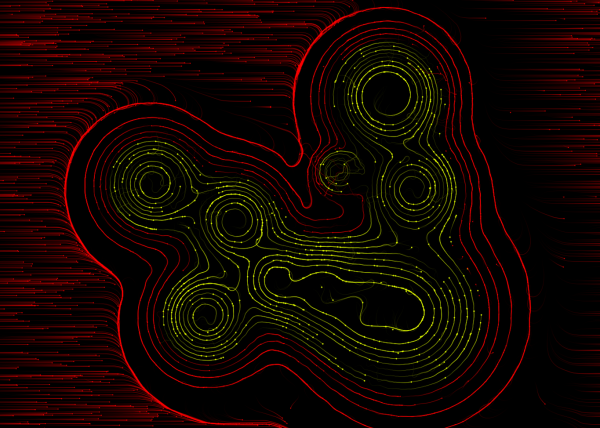
- [W]heelie
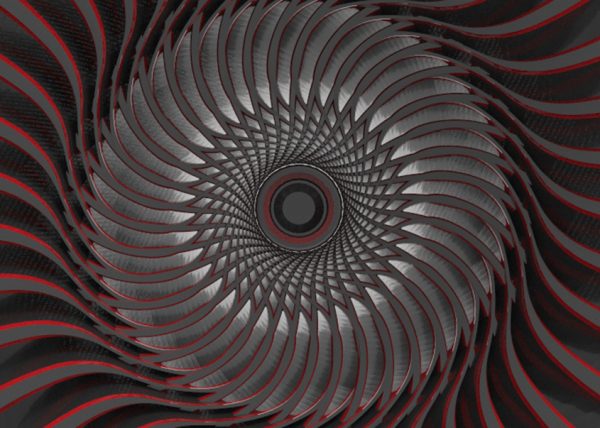
- [S]labacube
- [M]esh Crawlers
- [L]a Silla
- [3]D BabyMaking Trackstars
- [3]D Trackers
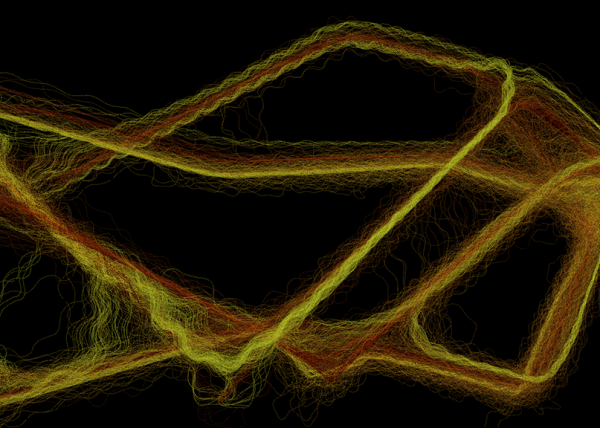
- [2]D BabyMaking Trackers
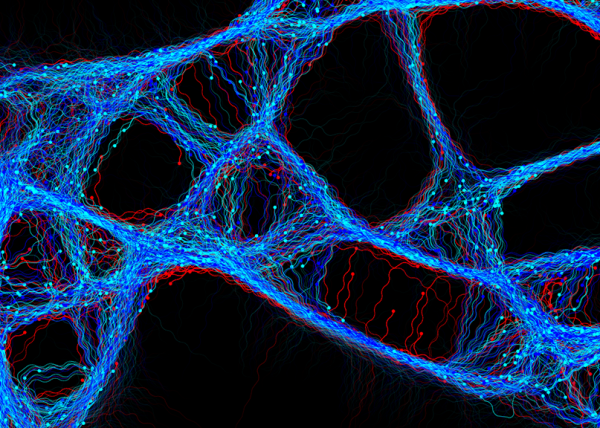
- [T]rackers
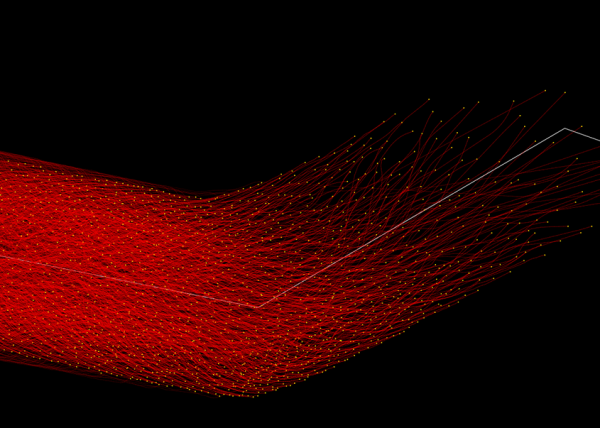
- CULEBRA GRASSHOPPER
- culebra.[M]eshCrawlers.3D
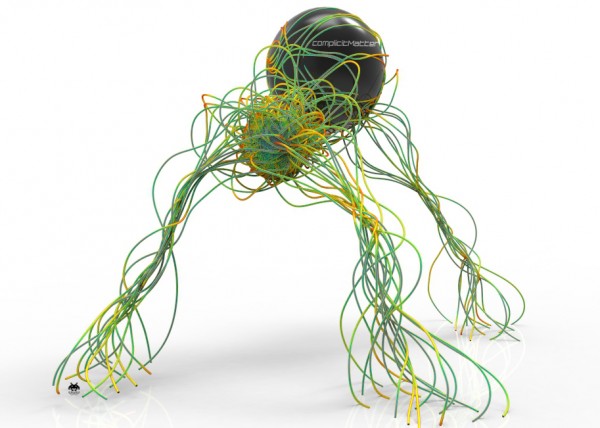
- culebra.[H]ybrid.3D
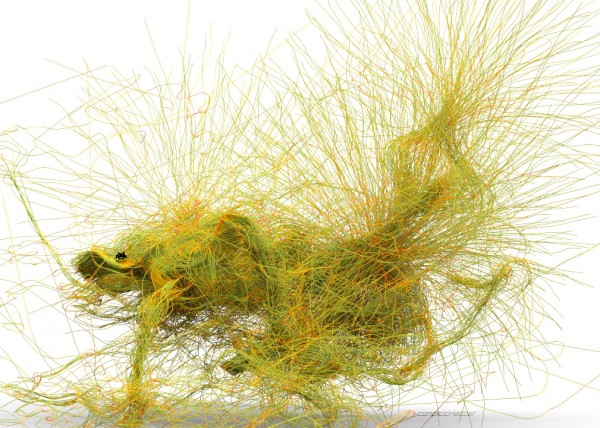
- culebra.[F]lorgy
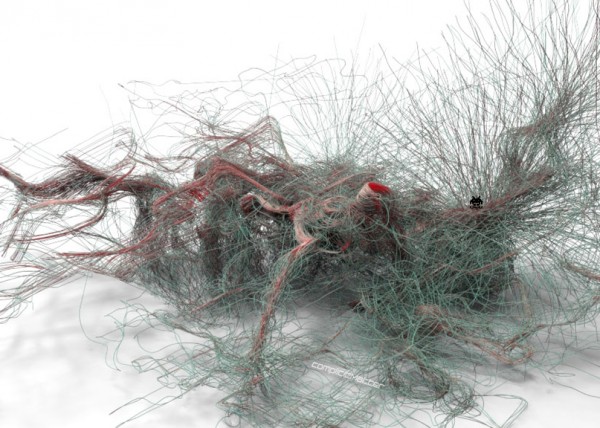
- culebra.[F]ockers.3D
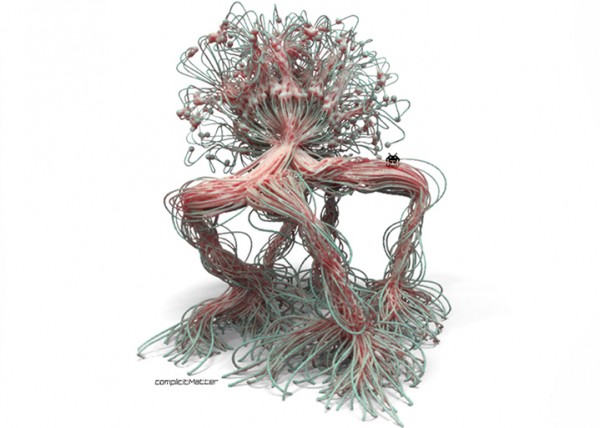
- culebra.[F]ockers.2D
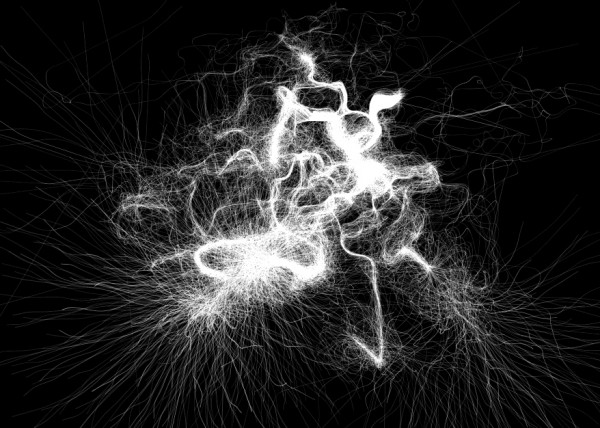
- culebra.[N]oisey.3D
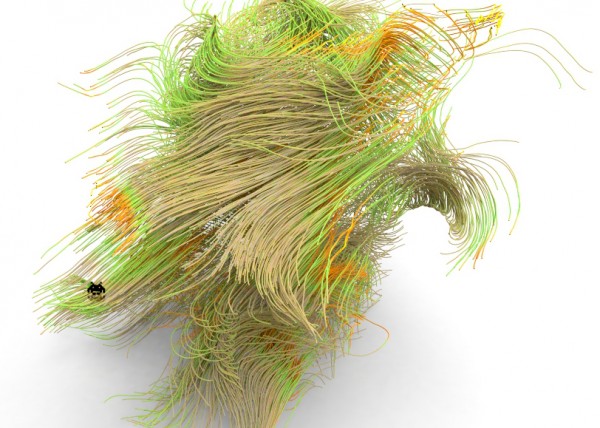
- [E]l Nino
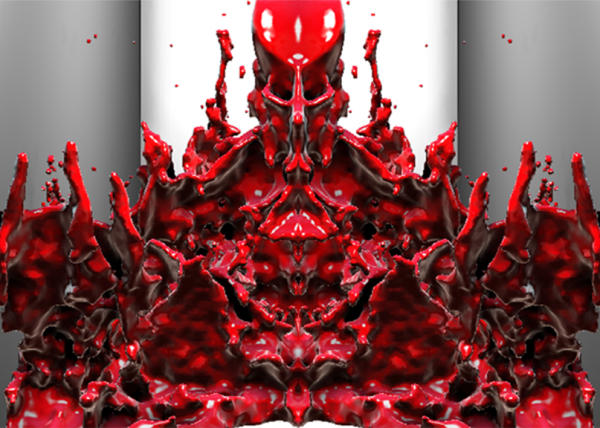
- culebra.[S]elfOrg
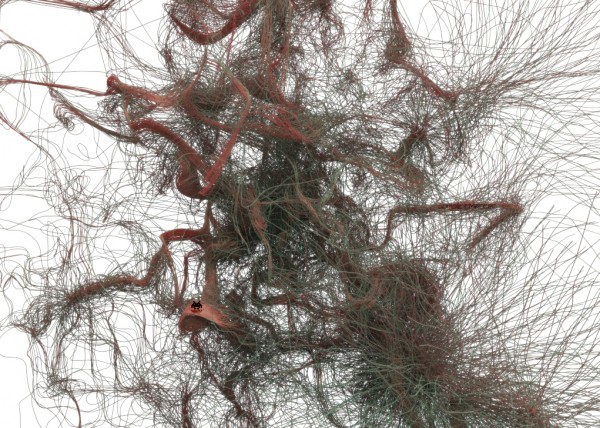
- [D]rippin

- culebra.[N]oisey.2D
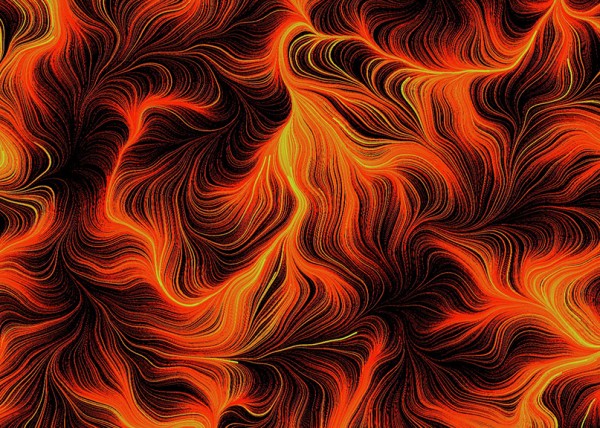
- [C]reepyCrawlers
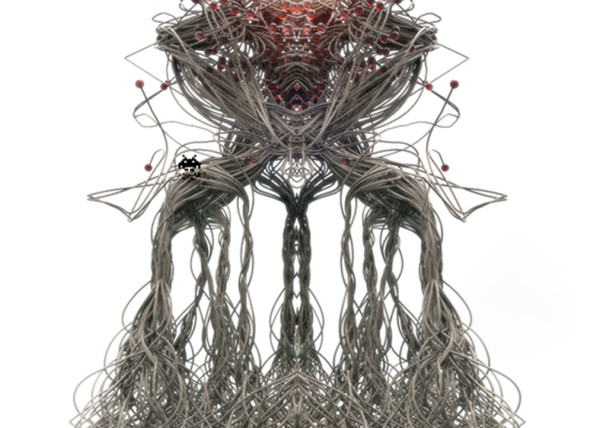
- [J]eepresesCreepers
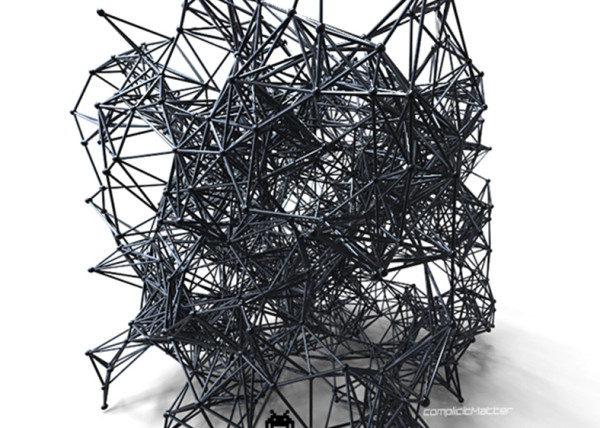
- [T]2000
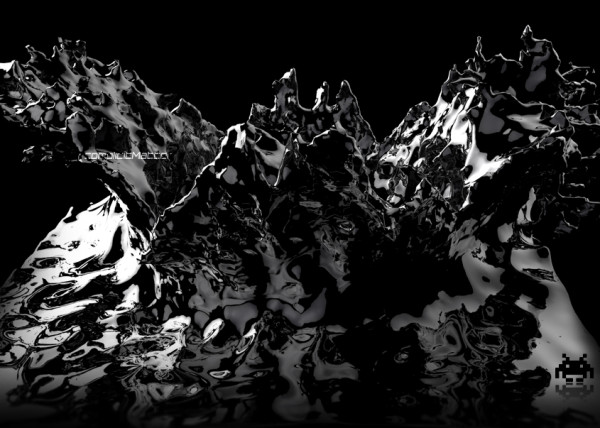
- PUFFER PLEATNESS
- EMERGEN[CY]
- [L]iquified
- [S]uckedComp
- [X]plosion
- MR. EW
- [H]airGoo
- [B]alled
- [n]injaStars
- [b]loomer
- [t]rip city
- TAPE GUNNED
- [B]oom
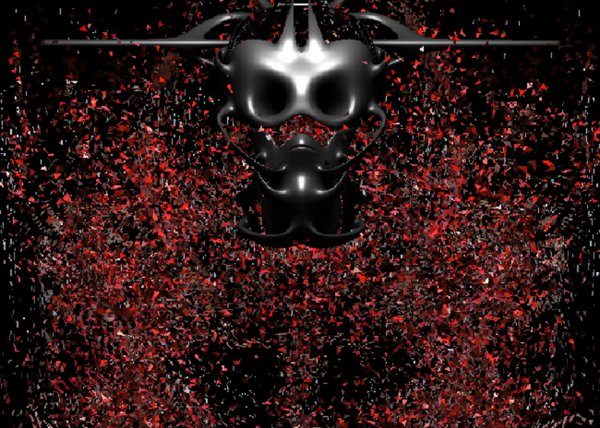
- [M]iller Time
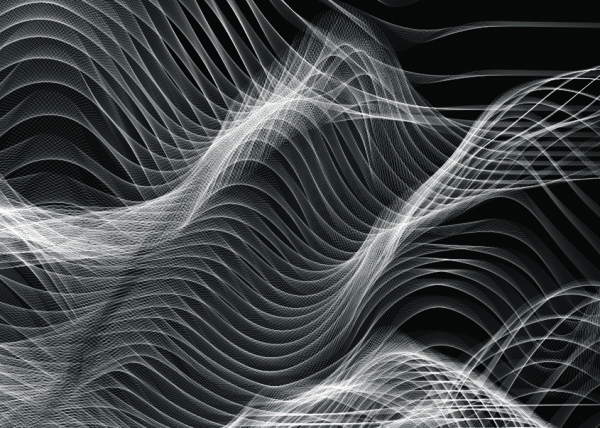
- [D]elamjam
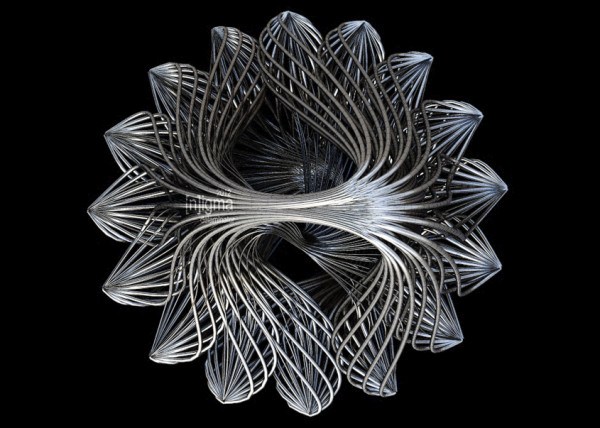
- [B]rain Zapper
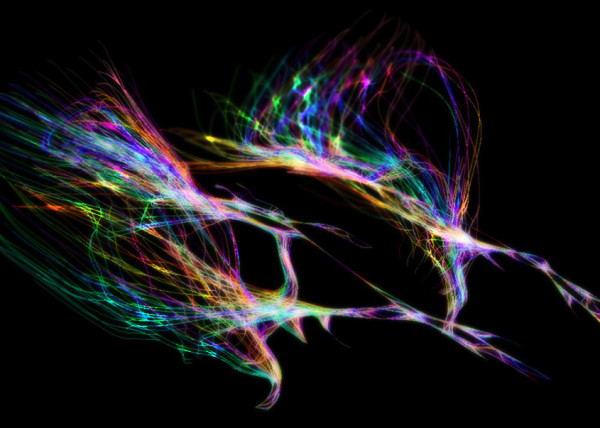
- [B]ig Bird
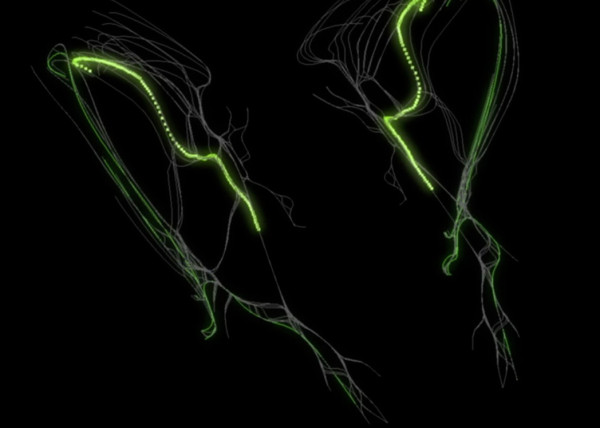
- [E]gg Tube Pavillion
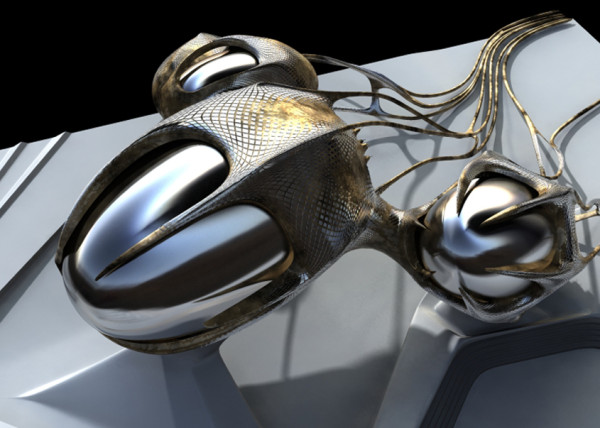
- [A]llice’s Easter Tree
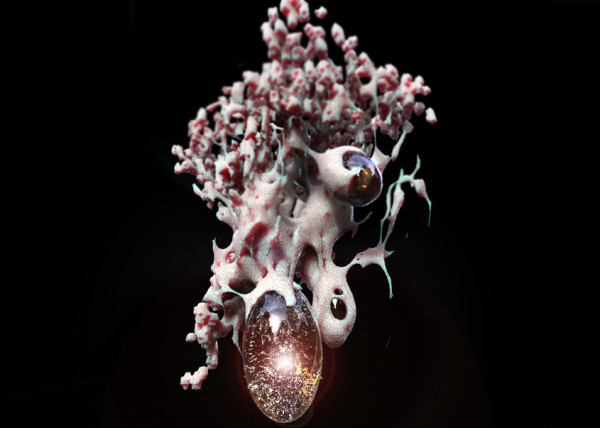
- [S]weet Honey
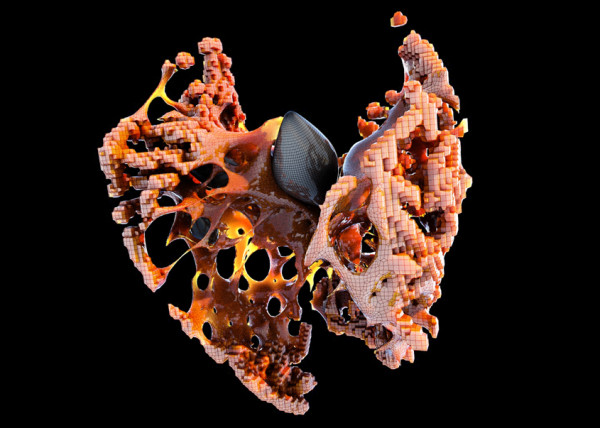
- [U]M.Urgent
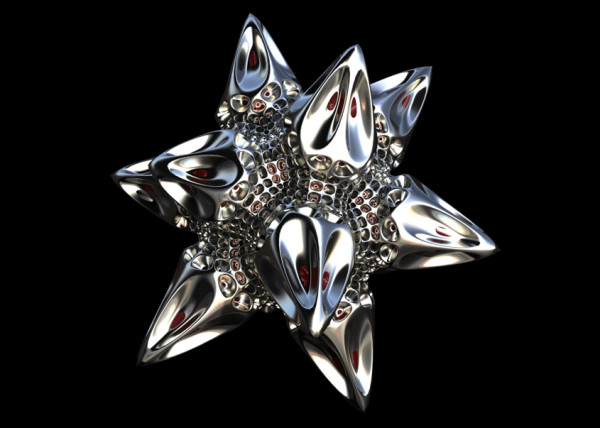
- [t]oo.urgent
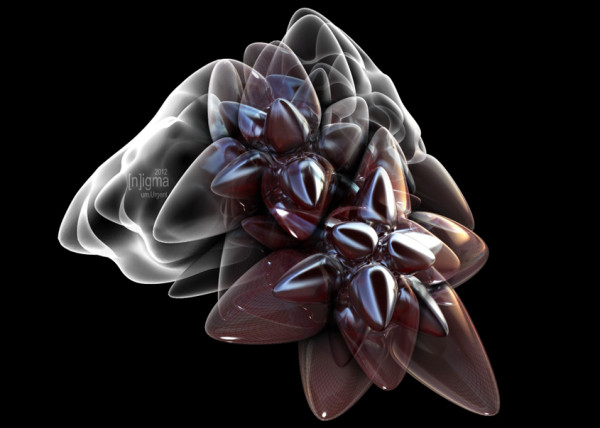
- [B]onnie..+..Clyde
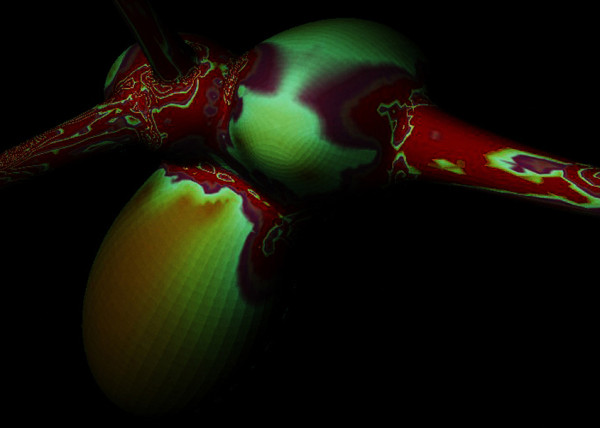
- [B]io Mess
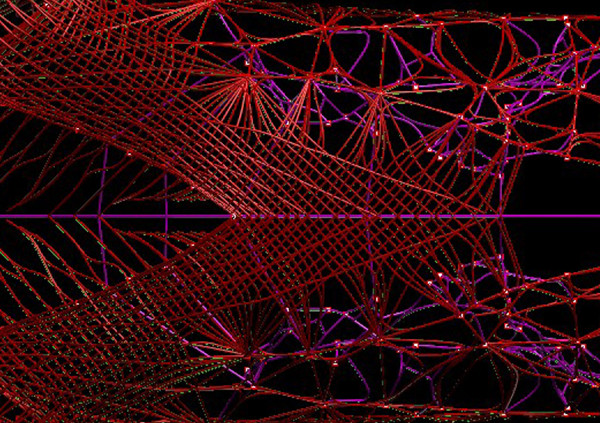
- [EL]Mojado.Virus
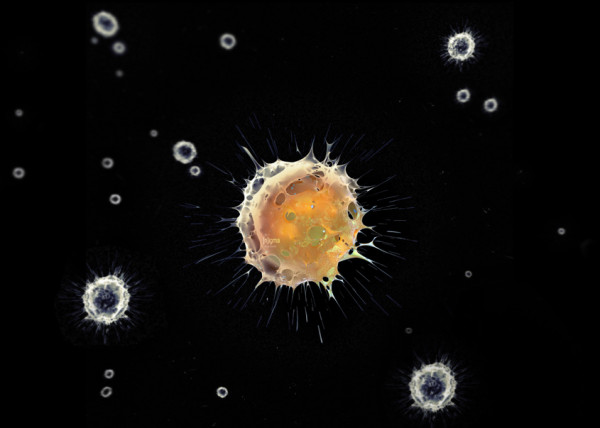
- [W]HAT the …!
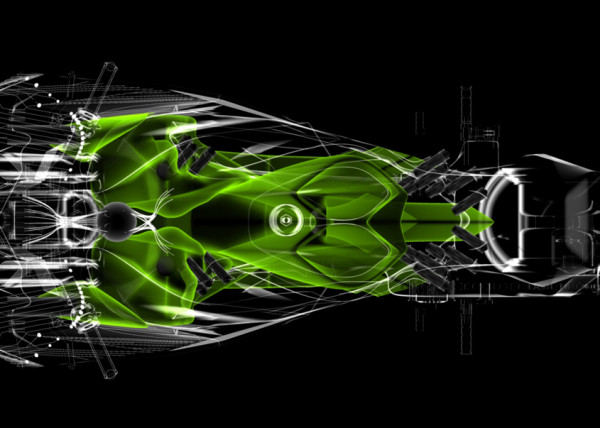
- [H]ot Lava
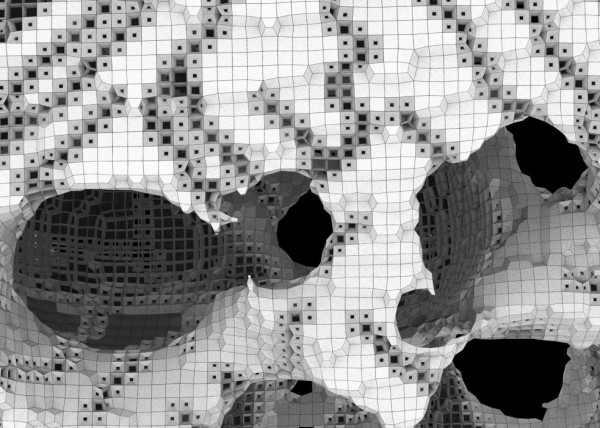
- [P]leat Diddy
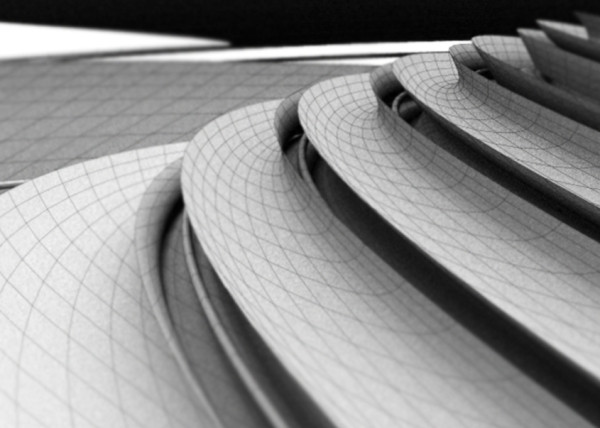
- [t]erminator easter egg
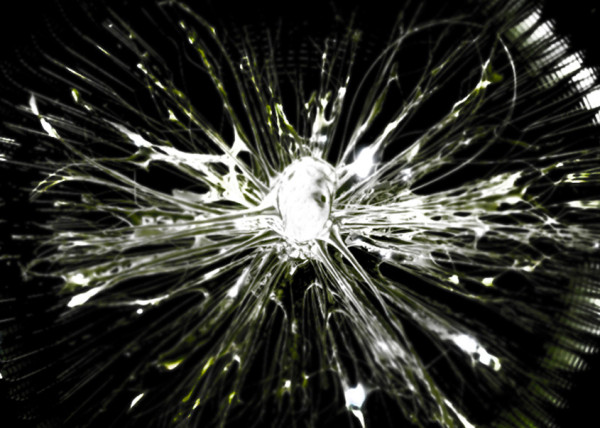
- Mr. BB
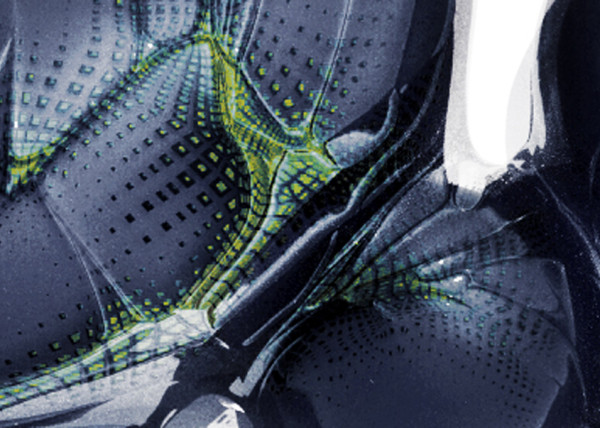
- [B]less You
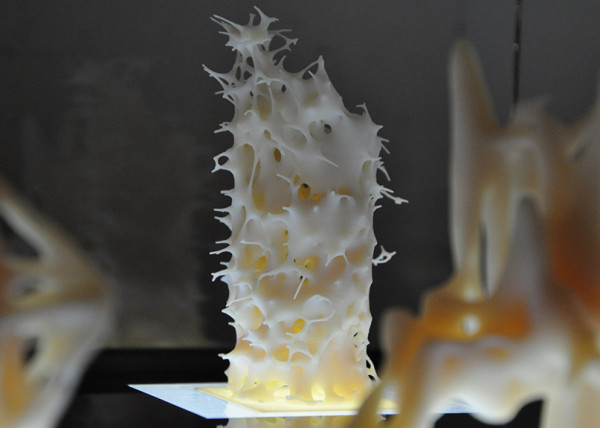
- [F]antastic + Interactive
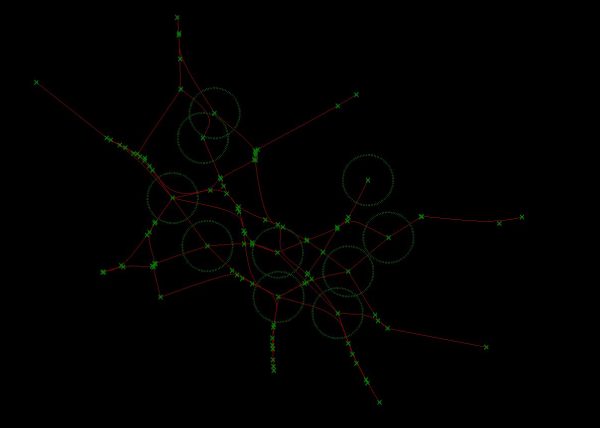
- [S]oo_Minimally_Pathed
- [P]uffer Fish.Fab
- [M]an Eater
- [AHH] Alien House Hunters
- [W]eave Machine
- Sportbike Racing
- Grappling

- Kart Racing

What a beautiful design! I want to know how you can make the track sure bright. I can use Rhino to make the lines. But how can I capture the drawing from Rhino? or you use rendering software to do that?
This video is using processing, I built the original library for java and used it in processing, later I built the .NET version that works with Grasshopper. You can download Culebra 2 and use that with Rhino & GH. I am actually updating it for Rhino 7 as well.