Gallery details
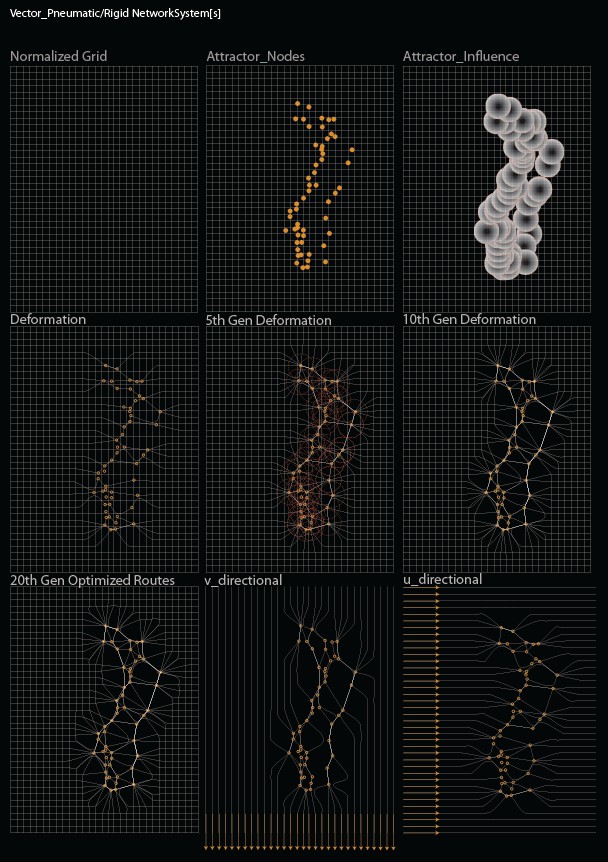
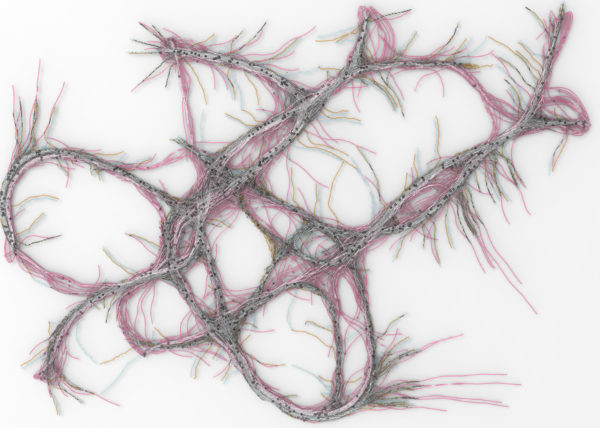
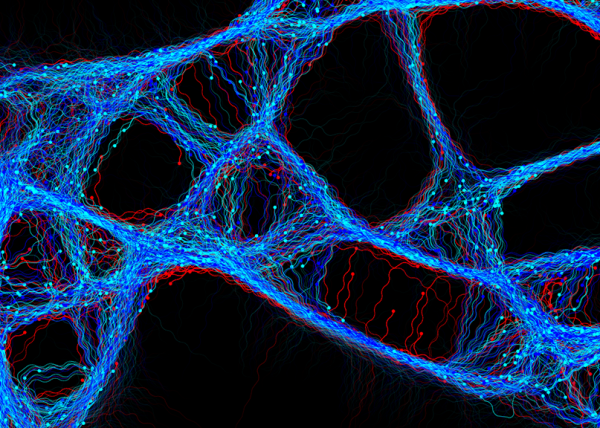
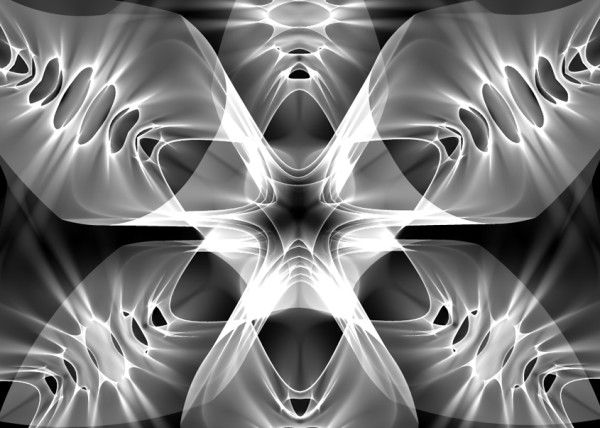
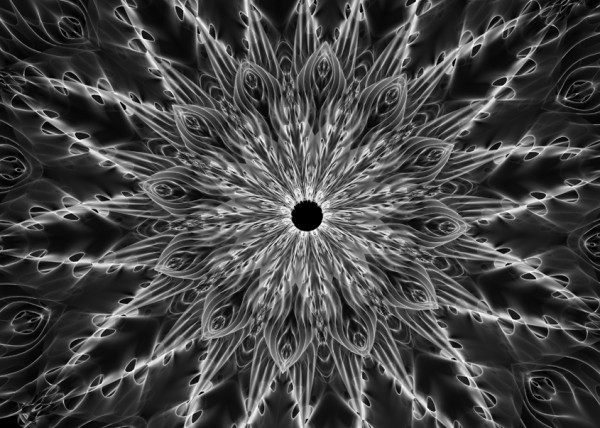
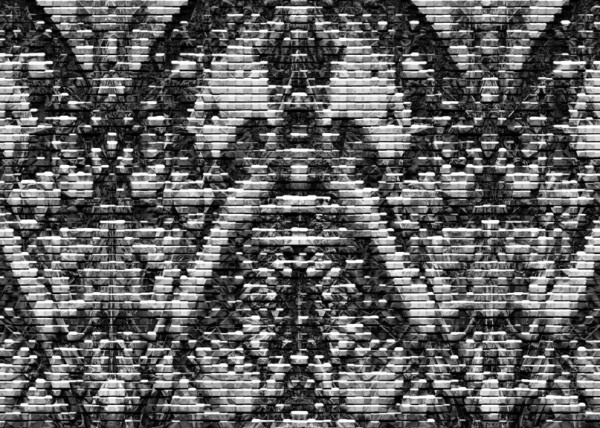
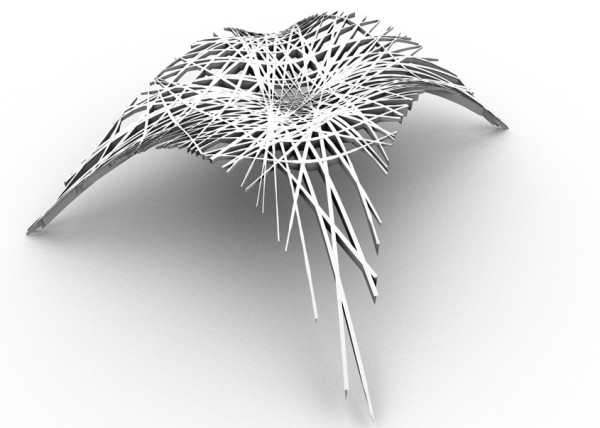
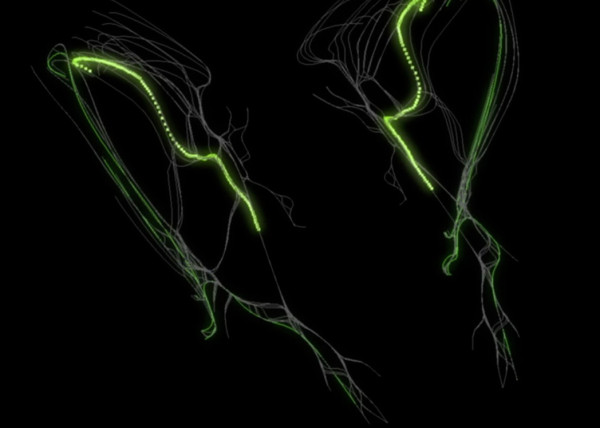
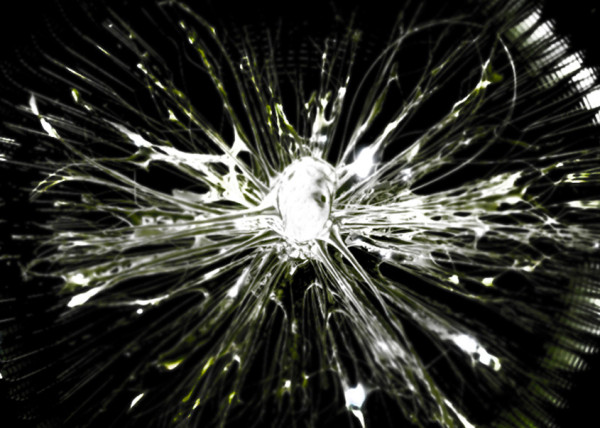
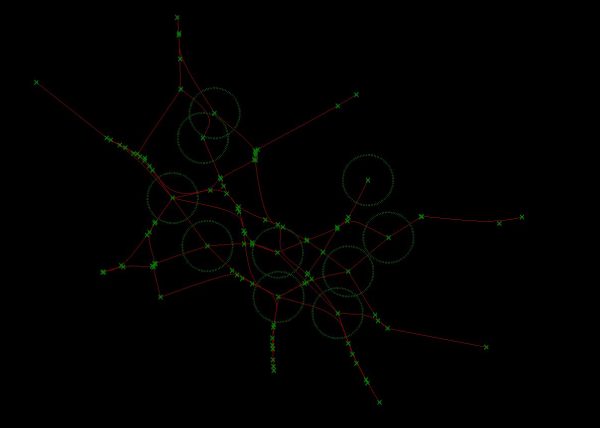
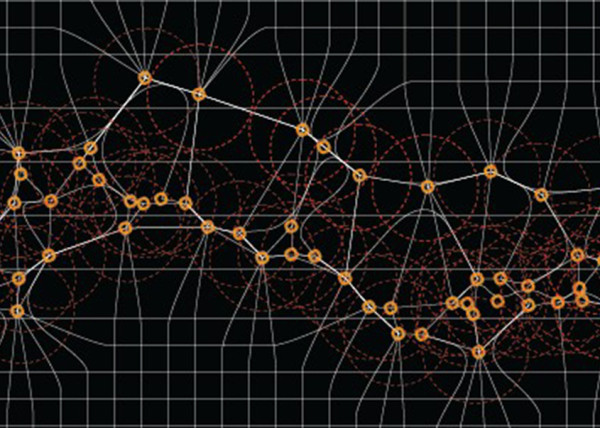
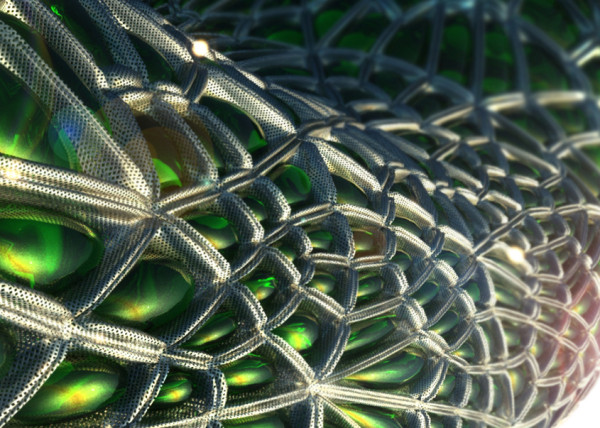
Minimal Pathways Studies [2010] – via Python + Rhinoscript
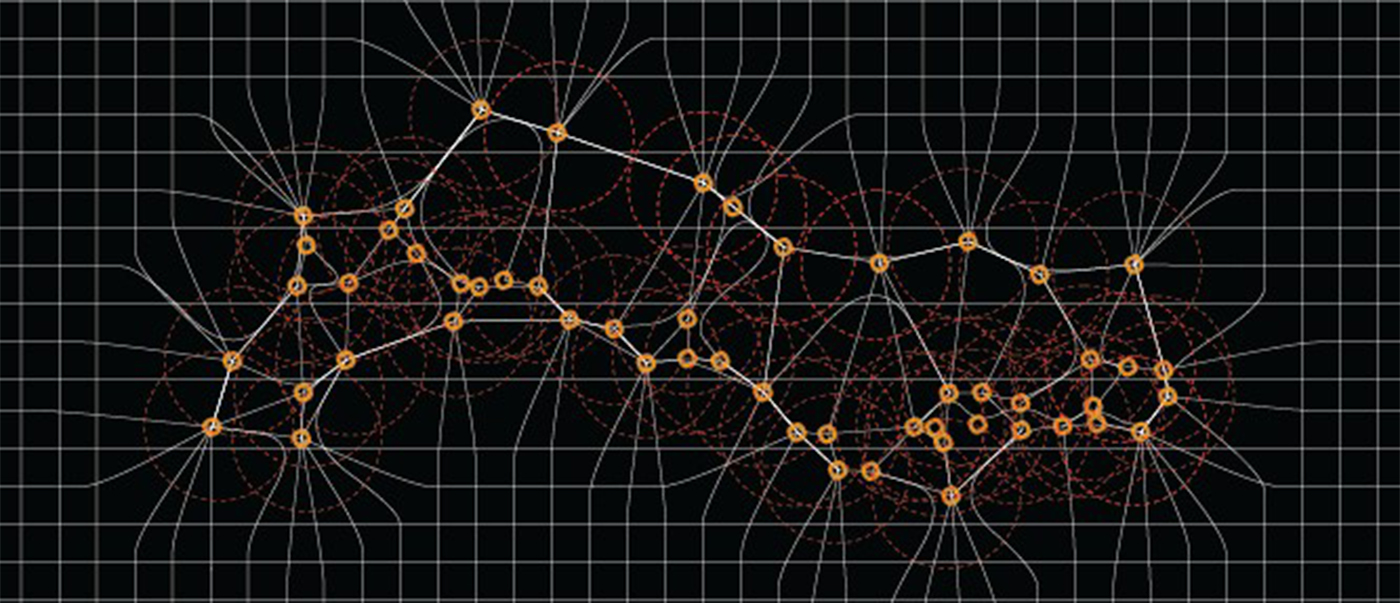
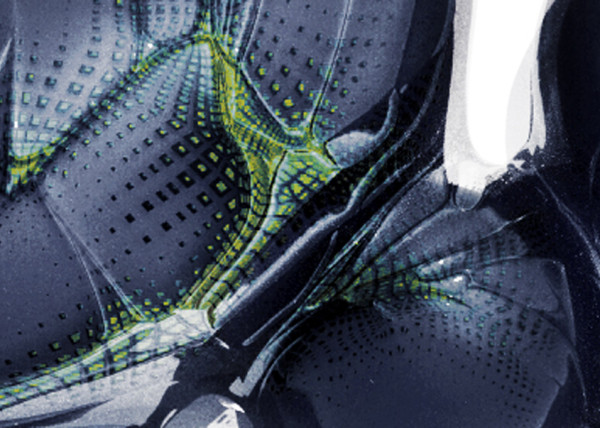
“”” The input is a Text File containing XYZ info as well as deformation values. The code rebuilds the geometry from scratch based on XYZ coordinates, these coordinates are used to re-create the mesh in 3D and paint the vertices based on the value range. This is very useful in recreating and making the structural color maps as drivers in actual geometry instead of simple Textures
. Options
. Paint driven influence
. Pull to different geometry
. Attraction Type
PYTHON CODE
"""
Script written by <Luis Quinones>
"""
import rhinoscriptsyntax as rs
import math
from System.Drawing import Color
import scriptcontext
def ColorAction(arrVerts,color,pos):
index = rs.PointArrayClosestPoint(arrVerts,pos)
result = color[index]
colorR = rs.ColorRedValue(result)
lum = colorR/255
return lum
def Main():
arrItems = [("Want to use Paint Driver ?",True),("Wanna Pull It to Something",False)]
arrOptionsBln = rs.CheckListBox(arrItems,"CHOOSE","Attraction_Type")
arrItems2 = [("Attraction Threshold",True),("Vector Move Scale Factor",False), ("Paint Affects Both",False)]
arrOptionsBln2 = rs.CheckListBox(arrItems2,"CHOOSE","Paint_Influence")
if not arrOptionsBln2:
print "Options not array"
if not arrOptionsBln:
print "Options not array"
MeshAction = arrOptionsBln[0]
print MeshAction
pullGeom = arrOptionsBln[1]
print pullGeom
AttractorThreshold = arrOptionsBln2[0]
print AttractorThreshold[1]
VectorTranslationScaling = arrOptionsBln2[1]
print VectorTranslationScaling
DoubleActionPaint = arrOptionsBln2[2]
print DoubleActionPaint
Gens = rs.GetInteger("Number of Generations",6,1)
Curves = rs.GetObjects("Select Base Crvs",rs.filter.curve)
Attract = rs.GetReal("CurvePointAttractionThreshold")
dblRatio = rs.GetReal("Distance For Vector To Move")
arrRebuildCount = rs.GetInteger("Curve Rebuild CP Count")
Rebuild = rs.GetInteger("Degree To Rebuild Curves")
strLayerNew = rs.AddLayer("NEWCURVES", Color.Red)
if bool(pullGeom[1]) == True :
srfArr = rs.GetObjects("Meshes to pull to",0)
pullthreshold = rs.GetReal("Set Thresh for mesh attractor")
snapThreshold = rs.GetReal("Set Snap Threshold")
ratio = rs.GetReal("Ratio of Distance to move")
if bool(MeshAction[1]) == True :
strLayer = rs.AddLayer("ptStore", Color.White)
strObject = rs.GetObject("ColorMesh",filter = 32,select = False)
if bool(MeshAction[1]) == True:
arrVerts = rs.MeshVertices(strObject)
color = rs.MeshVertexColors(strObject)
for i in range(Gens):
if scriptcontext.escape_test(False):
print "ESC pressed "
break
rs.EnableRedraw(False)
for j in range(len(Curves)):
if scriptcontext.escape_test(False):
print "ESC pressed "
break
rs.RebuildCurve(Curves[j],Rebuild,arrRebuildCount)
arrNewPos = []
PointCount = rs.CurvePointCount(Curves[j])
arrCrvDiv = rs.CurvePoints(Curves[j])
if arrCrvDiv:
test = "0"
else:
print "Nope"
for k in range(PointCount):
if scriptcontext.escape_test(False):
print "ESC pressed "
break
arrCrvPts = []
if bool(MeshAction[1]) == True:
threshMult = ColorAction(arrVerts,color,arrCrvDiv[k])
if threshMult < 0.2 :
threshMult == 0
else:
threshMult = 1
if bool(VectorTranslationScaling[1]) == True:
#print "only will affect VECTOR"
dblRatio2 = dblRatio*threshMult
print "dblRatio2 = " + str(dblRatio2)
newThreshold = Attract
print "Thresh = " + str(newThreshold)
for L in range(len(Curves)):
if scriptcontext.escape_test(False):
print "ESC pressed "
break
if bool(AttractorThreshold[1]) == True:
newThreshold = Attract * threshMult
dblRatio2 = dblRatio
if bool(DoubleActionPaint[1]) == True:
dblRatio2 = dblRatio*threshMult
newThreshold = Attract * threshMult
print "dblRatio2 = " + str(dblRatio2)
print "Thresh = " + str(newThreshold)
if j != L :
arrCrvParam = rs.CurveClosestPoint(Curves[L],arrCrvDiv[k])
crvPt = rs.EvaluateCurve(Curves[L],arrCrvParam)
arrCrvPts.append(crvPt)
IndClosestCrv = rs.PointArrayClosestPoint(arrCrvPts,arrCrvDiv[k])
#print "NextClosestIndex = ",IndClosestCrv
crvPt = arrCrvPts[IndClosestCrv]
#print crvPt
dist = rs.Distance(arrCrvDiv[k],crvPt)
if dist < newThreshold :
vector = rs.VectorCreate(crvPt,arrCrvDiv[k])
vector = rs.VectorScale(vector,dblRatio2)
NewPosition = rs.PointAdd(vector,arrCrvDiv[k])
else:
NewPosition = arrCrvDiv[k]
arrNewPos.append(NewPosition)
newcurve = rs.AddCurve(arrNewPos,Rebuild)
rs.EnableRedraw(True)
rs.ObjectLayer(newcurve,strLayerNew)
rs.DeleteObject(Curves[j])
#rs.ObjectColor(newcurve,[j,j,j])
Curves[j] = newcurve
basecrvs = rs.ObjectsByLayer(strLayerNew)
rs.EnableRedraw(True)
Main()
Update
RHINOSCRIPT CODE
Option Explicit
'Script written by Luis Quinones
'Script copyrighted by
'Script version Saturday, August 01, 2009 9:56:59 AM
Call Main()
Sub Main()
'DECLATE ALL VARIABLE BY TYPE
Dim arrCrvs,arrCrvDiv
Dim gens
Dim i,j,k,L
Dim arrPtCoordinates,IndClosestCrv, arrcrvParam,crvPt,arrcrvPts()
Dim dist,count, vector, dblratio,NewPostion,AttThresh,compThresh
Dim newcurve,arrNewPos()
Dim arrCompAttract
'''''''''''''''''''''''''''''''''''''''''''''''''''''''''''''''''''''''''''''''''''''''''''''''''''''''''''''''''''''''''''''''''''''''''''
'INPUTS
'get curves
arrCrvs = Rhino.GetObjects("Select crvs",4)
'set generations
gens = Rhino.GetReal("Set Number of Gens / Steps")
compThresh = Rhino.GetReal("Set thresh for comp",3,0,1150)
AttThresh = Rhino.GetReal("Set Threshhold for line attractors",2,0,1159)
'amount for vector to move
dblratio = Rhino.GetReal("set distance for vector to move")
'very beginning of main
Dim arrItems : arrItems = Array ("Animate", "Off", "On")
Dim arrDefaults : arrDefaults = Array (True) 'off is the defaul
'in the beginning of main with other user inputs
Dim arrIterationBlnReturn : arrIterationBlnReturn = Rhino.GetBoolean ("Would you like to ", arrItems, arrDefaults)
If Not isArray(arrIterationBlnReturn) Then Exit Sub
'For exporting images
If arrIterationBlnReturn(0) = "True" Then
Dim intIterationsPerImage : intIterationsPerImage = Rhino.GetInteger ("export images once in how many iterations?", 1, 1)
If isNull (arrIterationBlnReturn) Then Exit Sub
'hardcoded variables:
'CHANGE THE FILE NAME TO AN EXISTING FOLDER - THE LAST PART IS THE BEGINNING OF THE FILE NAME
Dim strFilename : strFilename = "C:UsersEmergentDesktop"
Dim dblImageXSize : dblImageXSize = 968
Dim dblImageYSize : dblImageYSize = 462
Dim intImageCounter : intImageCounter = 0
'turn off unwanted screen info
Dim strView : strView = Rhino.CurrentView()
Rhino.ShowGrid strView, False
Rhino.ShowGridAxes strView, False
Rhino.ShowViewTitle strView, False
Rhino.ShowWorldAxes strView, False
Call exportImage(strFilename, dblImageXSize, dblImageYSize, strView, intImageCounter)
End If
''''''''''''''''''''''''''''''''''''''''''''''''''''''''''''''''''''''''''''''''''''''''''''''''''''''''''''''''''''''''''''''''''''''''''
'Call Rhino.EnableRedraw(False)
'loops through generation
For i = 0 To gens
'looping through curves
For j = 0 To Ubound (arrCrvs)
arrCrvDiv = Rhino.CurvePoints (arrCrvs(j))
'looping through points of the current curve
For k = 0 To Ubound (arrCrvDiv)
Dim arrCompAttractStr : arrCompAttractStr = Rhino.ObjectsByLayer("Attract_Points_Comp")
Dim arrCheckPnt
For Each arrCheckPnt In arrCompAttractStr
If Not IsPoint(arrCheckPnt) Then
Rhino.TextOut "something in the (Attract_Points_Comp) layer is not points....its been deleted!"
Call Rhino.DeleteObject(arrCheckPnt)
'Call Rhino.Command("Sellayer")
End If
Next
'Rhino.Print (arrCompAttractStr(0))
arrCompAttract = arrCompAttractStr
Dim g
For g=0 To Ubound(arrCompAttractStr)
arrCompAttract(g) = Rhino.PointCoordinates(arrCompAttractStr(g))
Next
'set threshold for attractor
Dim IndClosestAtt : IndClosestAtt = Rhino.PointArrayClosestPoint(arrCompAttract,arrCrvDiv(k))
'storing the index of
Dim attPt : attPt = arrCompAttract(IndClosestAtt)
' distance between point and closest point on each curve (index)
Dim dist2 : dist2 = Rhino.Distance(attPt,arrCrvDiv(k))
'is that distance less than
If dist2 < compThresh Then
NewPostion = attPt
Else
count = 0
'looping through the curves to find closest point
For L = 0 To Ubound(arrCrvs)
'you need to check the closest curve from each point (except yourself)
If Not j = L Then
arrcrvParam = Rhino.CurveClosestPoint(arrCrvs(L),arrCrvDiv(k))
crvPt = Rhino.EvaluateCurve(arrCrvs(L),arrcrvParam)
ReDim Preserve arrcrvPts(count)
arrcrvPts(count) = crvPt
count = count + 1
End If
Next
'find closest point
IndClosestCrv = Rhino.PointArrayClosestPoint(arrcrvPts,arrCrvDiv(k))
crvPt = arrcrvPts(IndClosestCrv)
' distance between point and closest point on each curve (index)
dist = Rhino.Distance(arrCrvDiv(k), crvPt)
'compare distance to threshold
If dist < AttThresh Then
'create vector using index of the closest pt and array of control point(s)
vector = Rhino.VectorCreate(crvPt,arrCrvDiv(k))
vector = Rhino.VectorScale(vector,dblratio)
NewPostion = Rhino.VectorAdd(vector,arrCrvDiv(k))
Else
'however if distance > threshold then the NEWPOSITION will be the previous POSITION.
NewPostion = arrCrvDiv(k)
End If
End If
ReDim Preserve arrNewPos(k)
'make array of new point positions to use for drawing curve
arrNewPos(k) = NewPostion
Next
newcurve = Rhino.AddCurve(arrNewPos,3)
Call Rhino.DeleteObject(arrCrvs(j))
arrCrvs(j) = newcurve
'''''''''''''''''''''''''''''''''''''''''''''''''''''''''''''''''''''''''''''''''''''''''''''''''''''''''''''''''''''''''''''''''''''''''''
If arrIterationBlnReturn(0) = "True" Then
If i Mod intIterationsPerImage = 0 Then
intImageCounter = intImageCounter + 1
Call exportImage(strFilename, dblImageXSize, dblImageYSize, strView, intImageCounter)
End If
End If
Next
Next
' Call Rhino.EnableRedraw(True)
End Sub
Sub exportImage(strFilename, dblImageXSize, dblImageYSize, strView, intIteration)
Dim strNumber
'create a number for the image, additional zeros are added to ensure the files are read in the correct order by photoshop batch actions
If intIteration < 9 Then
strNumber = "000" & (intIteration + 1)
ElseIf intIteration > 8 And intIteration < 99 Then
strNumber = "00" & (intIteration + 1)
ElseIf intIteration > 98 And intIteration < 999 Then
strNumber = "0" & (intIteration + 1)
Else
strNumber = intIteration + 1
End If
'send the image to an appropriately named file
Rhino.CreatePreviewImage strFilename & strNumber & ".png", strView, array(dblImageXSize, dblImageYSize), ,True
End Sub
Update
Recently in Portfolio
- [K]ernels

- Nike A.I.R Prototypes

- [A]nisochromatic Meshing
- Nike After Dark Tour

- PARAPRAXIS
- [001.HRR] CONCEPT BIKE
- 2040:LUNAR.OUTPOST[a]
- HE.6 2020 Prototype

- CULEBRA.NET
- PYTORCH-CLASSIFIER
- Nike Zoom Superfly Elite

- BENGBU CITY OPERA
- Nike Footscape Flyknit DM

- Jordan Hyperdunk React

- KA-HELMET
- [C]ucarachas
- [S]eeker
- [O]h Baby
- [E]l Papa
- [S]hatter.Brain
- [S]tigmergy
- [F]orces
- CULEBRA.JAVA
- [C]ulebra.MultiBehaviors
- [S]ticky Stuff
- [S]entinels
- [G]allopingTopiary
- RELUXOED
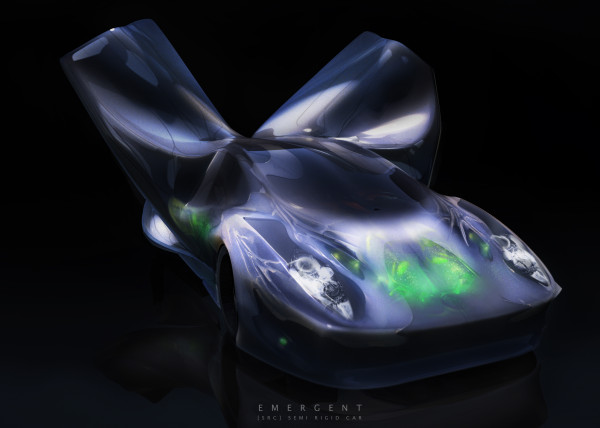
- [SRC] . Semi Rigid Car
- [P]erlin
- [E]ternal Wanderers
- [W]heelie
- [S]labacube
- [M]esh Crawlers
- [L]a Silla
- [3]D BabyMaking Trackstars
- [3]D Trackers
- [2]D BabyMaking Trackers
- [T]rackers
- CULEBRA GRASSHOPPER
- culebra.[M]eshCrawlers.3D
- culebra.[H]ybrid.3D
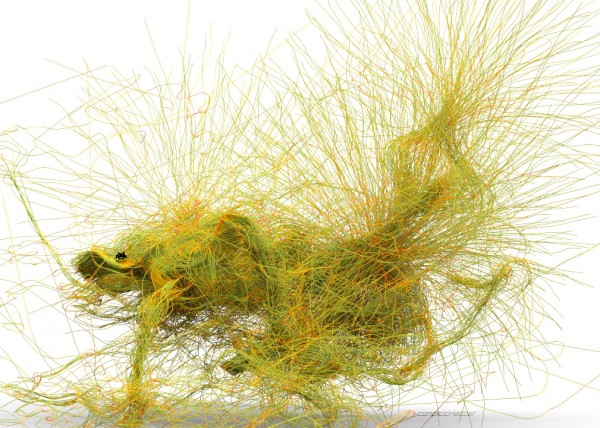
- culebra.[F]lorgy
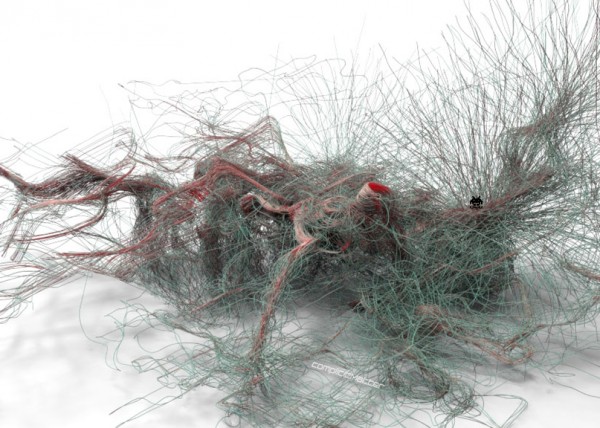
- culebra.[F]ockers.3D
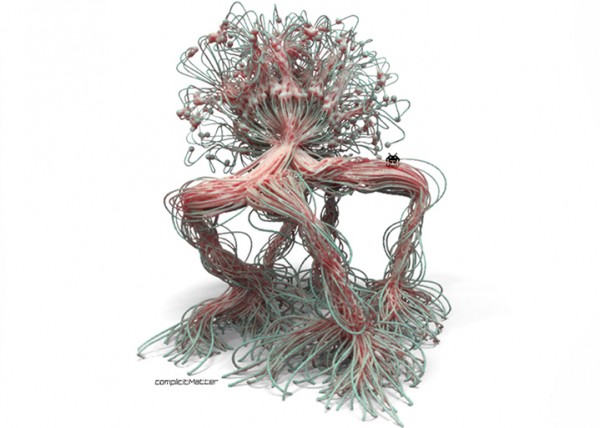
- culebra.[F]ockers.2D
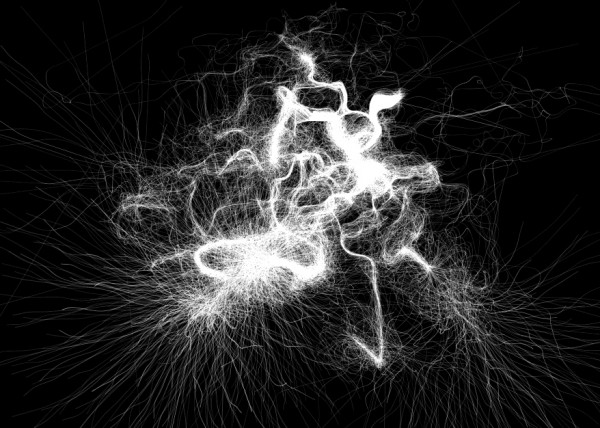
- culebra.[N]oisey.3D
- [E]l Nino
- culebra.[S]elfOrg
- [D]rippin
- culebra.[N]oisey.2D
- [C]reepyCrawlers
- [J]eepresesCreepers
- [T]2000
- PUFFER PLEATNESS
- EMERGEN[CY]
- [L]iquified
- [S]uckedComp
- [X]plosion
- MR. EW
- [H]airGoo
- [B]alled
- [n]injaStars
- [b]loomer
- [t]rip city
- TAPE GUNNED
- [B]oom
- [M]iller Time
- [D]elamjam
- [B]rain Zapper
- [B]ig Bird
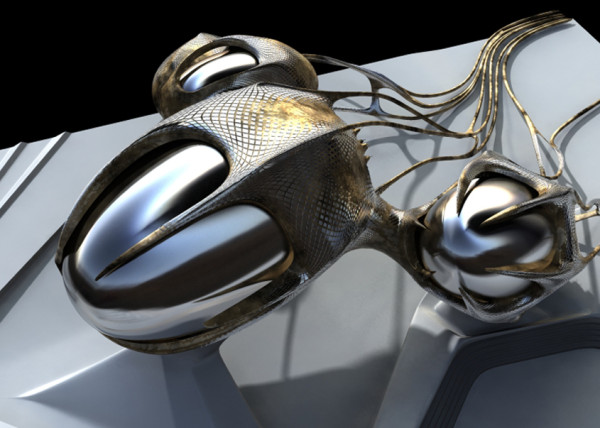
- [E]gg Tube Pavillion
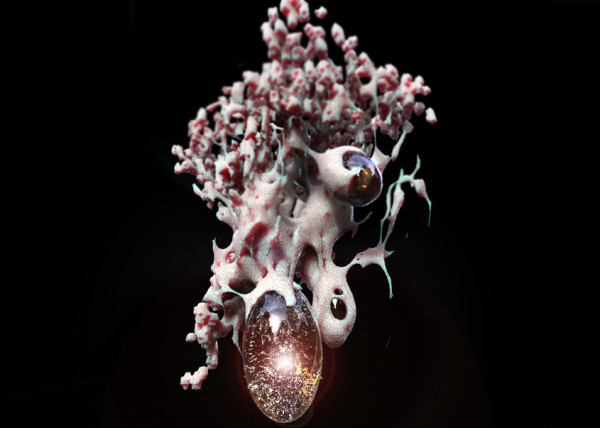
- [A]llice’s Easter Tree
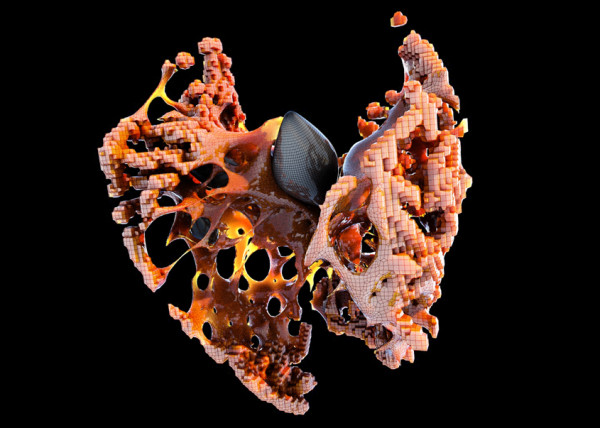
- [S]weet Honey
- [U]M.Urgent
- [t]oo.urgent
- [B]onnie..+..Clyde
- [B]io Mess
- [EL]Mojado.Virus
- [W]HAT the …!
- [H]ot Lava
- [P]leat Diddy
- [t]erminator easter egg
- Mr. BB
- [B]less You
- [F]antastic + Interactive
- [S]oo_Minimally_Pathed
- [P]uffer Fish.Fab
- [M]an Eater
- [AHH] Alien House Hunters
- [W]eave Machine
- Sportbike Racing
- Grappling

- Kart Racing


Leave a reply