Gallery details
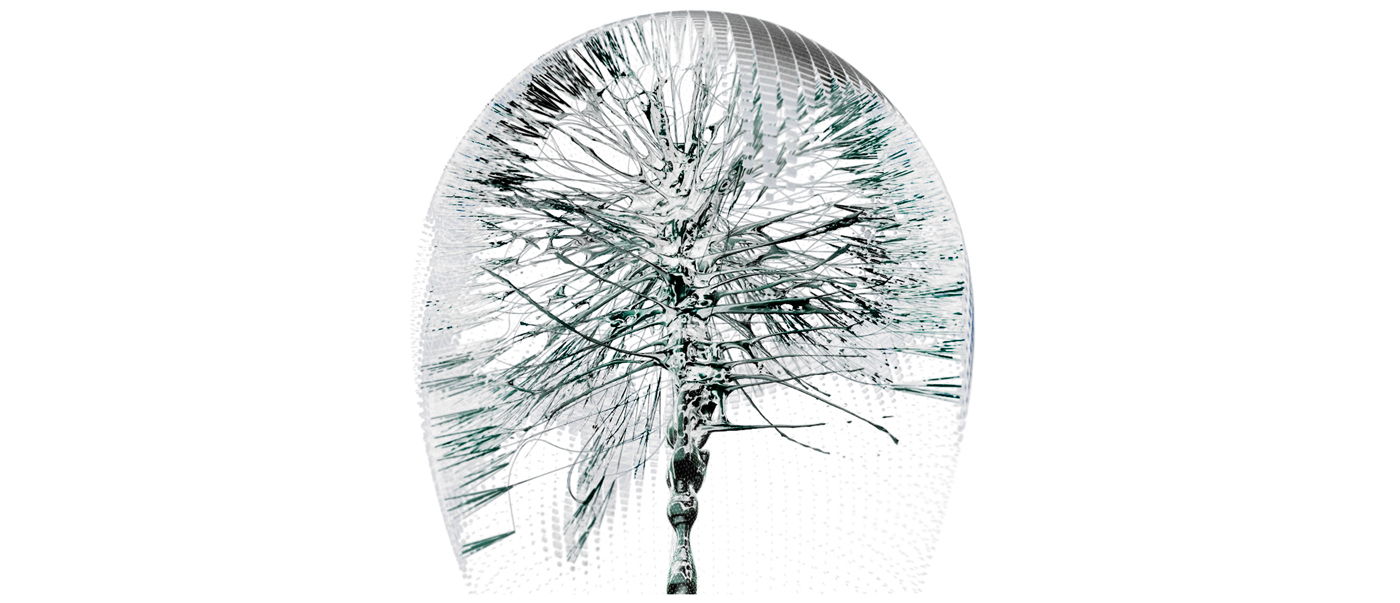
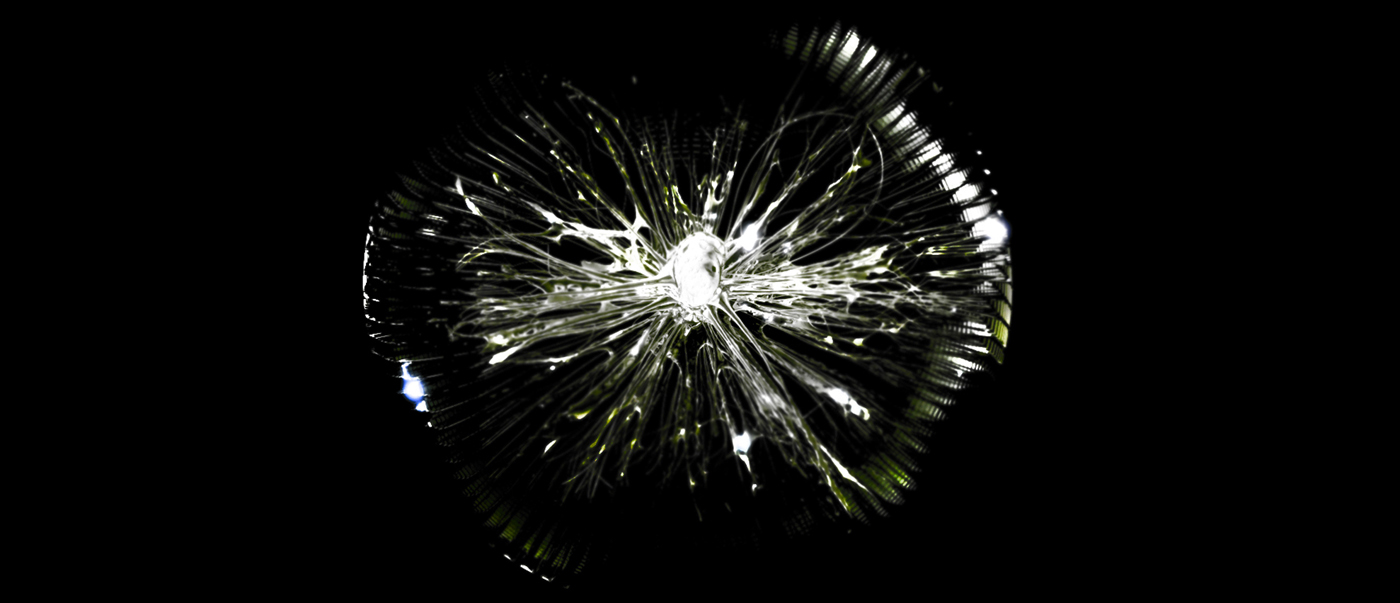
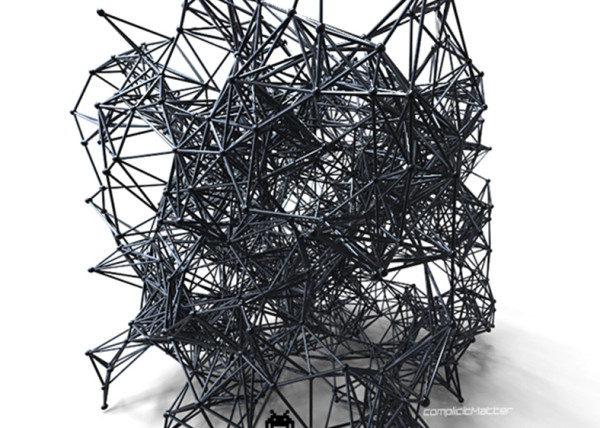
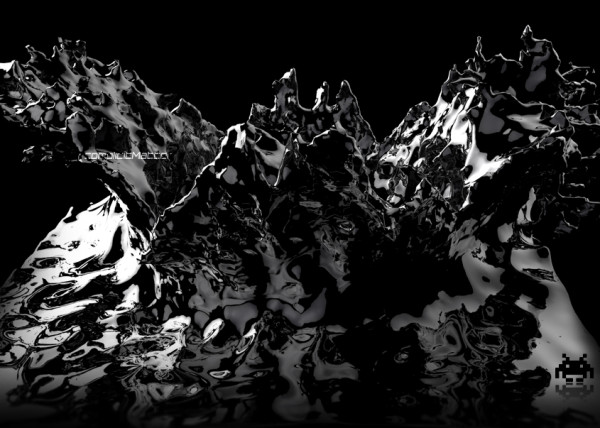
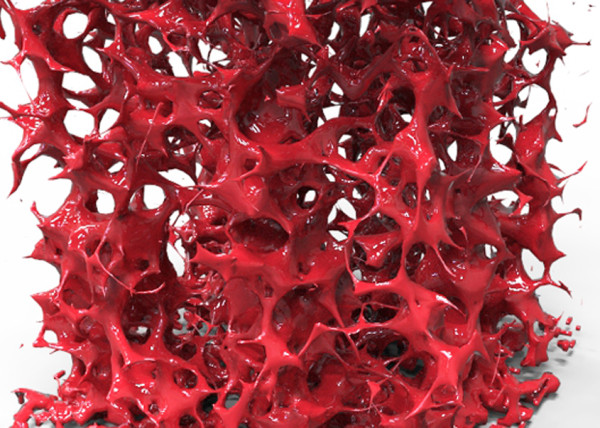
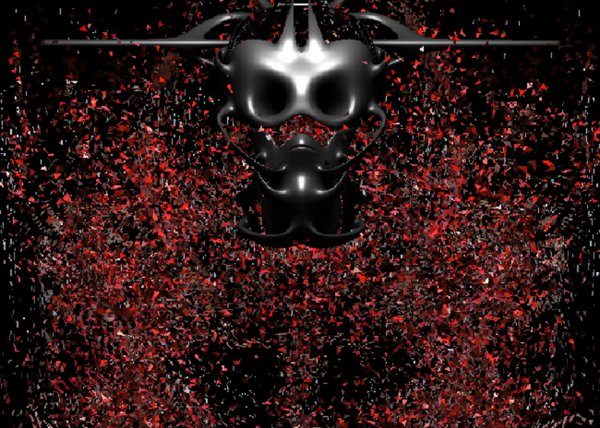
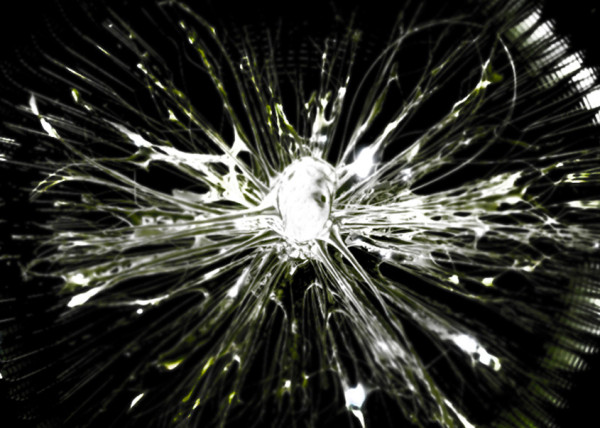
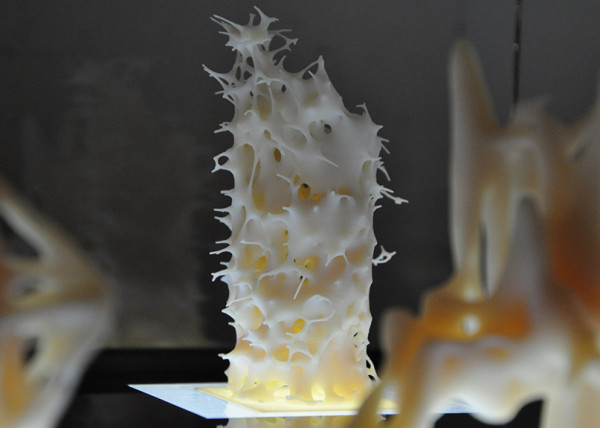
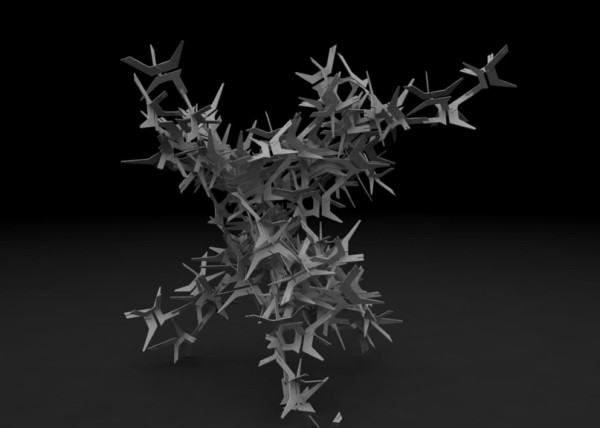
[terminator easter egg] [04.April.2011] via Maya + Rhinoscript + IsoSurf
“””Yearly Tradition of Computational Easter Egg, had just rewatched terminator so was in the mood for metal”””
CODE
Option Explicit
'Script written by Luis Quinones
'Script copyrighted by [n]igma + complicit matter
'www.complicitmatter.com
'Script version Wednesday, March 30, 2011 12:00:37 PM
Call Main()
Sub Main()
Dim strLayer : strLayer = Rhino.AddLayer("Attractors")
Dim strCrv : strCrv = Rhino.GetObject("CRV",4)
Dim strMesh : strMesh = Rhino.GetObjects("Mesh",32)
Dim crvPts : crvPts = Rhino.DivideCurve(strCrv,25)
Dim i
Dim j
For j = 0 To Ubound(strMesh) Step 5
Dim mesharea : mesharea = Rhino.MeshArea(strMesh(j))
If mesharea(1) > 2000 Then
Dim meshPts : meshPts = Rhino.MeshVertices(strMesh(j))
Dim centroid : centroid = Rhino.meshareaCentroid(strMesh(j))
Dim index : index = Rhino.PointArrayClosestPoint(crvPts,centroid)
Dim arrClostactualPoint : arrClostactualPoint = crvPts(index-3)
Dim newLine : newLine = Rhino.AddLine(centroid,arrClostactualPoint)
Dim newDiv : newDiv = Rhino.DivideCurve(newLine,4)
Dim mainLine : mainLine = Rhino.AddLine(newDiv(1),arrClostactualPoint)
Dim gripStart2 : gripStart2 = Rhino.CurveStartPoint(mainLine)
Dim arrStart2 : arrStart2 = Rhino.AddPoint(gripStart2)
Call Rhino.ObjectLayer(arrStart2,strLayer)
Dim gripEnd2 : gripEnd2 = Rhino.CurveEndPoint(mainLine)
Dim arrEnd2 : arrEnd2 = Rhino.AddPoint(gripEnd2)
Call Rhino.ObjectLayer(arrEnd2,strLayer)
Call Rhino.DeleteObject(newLine)
For i = 0 To Ubound(meshPts)
Dim strGrip : strGrip = Rhino.AddLine(newDiv(1),meshPts(i))
Dim gripStart : gripStart = Rhino.CurveStartPoint(strGrip)
Dim arrStart : arrStart = Rhino.AddPoint(gripStart)
Call Rhino.ObjectLayer(arrStart,strLayer)
Dim gripEnd : gripEnd = Rhino.CurveEndPoint(strGrip)
Dim arrEnd : arrEnd = Rhino.AddPoint(gripEnd)
Call Rhino.ObjectLayer(arrEnd,strLayer)
Next
End If
Next
Call Rhino.Command ("SelDup")
Call Rhino.Command ("Delete")
End Sub
Update
CODE
Option Explicit
'Script written by Luis Quinones
'Script copyrighted by [n]igma + studioBoom
'www.luisquinonesdesign.com
'www.cargocollective.com/studioboom
'Script version Sunday, March 20, 2011 8:08:03 PM
Call Main()
Sub Main()
'///////////////////////////////////////////////////////////////////////////////////////////////////
Call Rhino.MessageBox("Code Generates Mesh OffSets and Frames Based on Luminance Values coming from Geometry Painted with PaintVertex Tool in Maya")
'Declare Variables
Dim strMainLayer : strMainLayer = Rhino.AddLayer("MainMesh")
Dim strObject : strObject = Rhino.GetObject("Select mesh", 32)
Call Rhino.ObjectLayer(strObject,strMainLayer)
MeshFaces
Dim arrFaces : arrFaces = Rhino.MeshFaces(strObject, True)
Dim color : color = Rhino.MeshVertexColors(strObject)
Dim arrFace(3),arrHLS(3)
Dim arrFaceVertices2()
Dim strLayer6 : strLayer6 = Rhino.AddLayer("BaseCrvs",RGB(255,0,0))
Dim strLayer2 : strLayer2 = Rhino.AddLayer("OffsetCrv",RGB(255,0,0))
Dim strLayer : strLayer = Rhino.AddLayer("OffSetMesh",RGB(255,0,0))
Dim strLayer3 : strLayer3 = Rhino.AddLayer("FrameDog",RGB(255,255,255))
Dim strLayer5 : strLayer5 = Rhino.AddLayer("0_ValueOffSet",RGB(120,120,120))
Dim strLayer4 : strLayer4 = Rhino.AddLayer("Color_Vert_Info",RGB(255,255,0))
Dim i,j
'///////////////////////////////////////////////////////////////////////////////////////////////////
If IsArray(arrFaces) Then
Rhino.EnableRedraw False
i = 0
Do While i <= UBound(arrFaces)
arrFace(0) = arrFaces(i)
arrFace(1) = arrFaces(i+1)
arrFace(2) = arrFaces(i+2)
arrFace(3) = arrFaces(i+3)
arrHLS(0) = Rhino.ColorRGBToHLS(color(i))
'Call Rhino.Print(arrHLS(0)(1)/240)
arrHLS(1) = Rhino.ColorRGBToHLS(color(i+1))
'Call Rhino.Print(arrHLS(1)(1)/240)
arrHLS(2) = Rhino.ColorRGBToHLS(color(i+2))
'Call Rhino.Print(arrHLS(2)(1)/240)
arrHLS(3) = Rhino.ColorRGBToHLS(color(i+3))
'Call Rhino.Print(arrHLS(3)(1)/240)
'Call Rhino.AddTextDot("Vert 0" & "_" & arrHLS(0)(1)/240,arrface(0))
'Call Rhino.AddTextDot("Vert 1" & "_" & arrHLS(1)(1)/240,arrface(1))
'Call Rhino.AddTextDot("Vert 2" & "_" & arrHLS(2)(1)/240,arrface(2))
'Call Rhino.AddTextDot("Vert 3" & "_" & arrHLS(3)(1)/240,arrface(3))
Dim sum : sum = Rhino.Sum(Array(arrHLS(0)(1)/240,arrHLS(1)(1)/240,arrHLS(2)(1)/240,arrHLS(3)(1)/240))
Dim ave : ave = sum/4
'If ave < 0.015 Then
'ave = 0.015
'End If
'Call Rhino.Print(ave)
Dim line : line = Rhino.AddLine(arrFace(0),arrFace(2))
Dim midpt : midpt = Rhino.CurveMidPoint(line)
Call Rhino.DeleteObject(line)
'Dim dot1 : dot1 = Rhino.AddTextDot("Scale_Value = " & ave,midpt)
'Call Rhino.ObjectLayer(dot1,strLayer4)
Dim arrVertices : arrVertices = Array(arrFace(0),arrFace(1),arrFace(2),arrFace(3))
Dim arrVerticesNEW : arrVerticesNEW = Array(arrFace(0),arrFace(1),arrFace(2),arrFace(3),arrFace(0)) '///////////////////////////////////////////////////////////////////////////////////////////////////
For j = 0 To 3
ReDim Preserve arrFaceVertices2(j)
arrFaceVertices2(j) = Array(0,1,2,3)
Next
'///////////////////////////////////////////////////////////////////////////////////////////////////
Dim newMesh : newMesh = Rhino.AddMesh (arrVertices, arrFaceVertices2)
Call Rhino.ObjectLayer(newMesh,strLayer5)
Dim meshCent : meshCent = Rhino.MeshAreaCentroid(newMesh)
Dim strPoly : strPoly = Rhino.AddPolyline(arrVerticesNEW)
Call Rhino.ObjectLayer(strPoly,strLayer6)
Dim strPoly2 : strPoly2 = Rhino.AddPolyline(arrVerticesNEW)
Call Rhino.ObjectLayer(strPoly2,strLayer6)
'/////////////////////////////////////////////////////////////////////////////////////////////////
If ave > 0 And ave < 0.9 Then
Dim scaleMesh : scaleMesh = Rhino.ScaleObject(newMesh,meshCent,Array(ave,ave,ave))
Call Rhino.ObjectLayer(scaleMesh,strLayer)
Dim scaleSrf : scaleSrf = Rhino.ScaleObject(strPoly,meshCent,Array(ave,ave,ave))
Call Rhino.ObjectLayer(scaleSrf,strLayer2)
Dim strlofty : strlofty = Rhino.AddLoftSrf(Array(strPoly2,scaleSrf))
Call Rhino.ObjectLayer(strLofty,strLayer3)
Call Rhino.SurfaceIsocurveDensity(strlofty,-1)
'Call Rhino.DeleteObjects(join)
End If
'///////////////////////////////////////////////////////////////////////////////////////////////////
If ave >= 0.9 Then
Dim scaleMesh3 : scaleMesh3 = Rhino.ScaleObject(newMesh,meshCent,Array(ave-0.05,ave-0.05,ave-0.05))
Call Rhino.ObjectLayer(scaleMesh3,strLayer)
Dim scaleSrf3 : scaleSrf3 = Rhino.ScaleObject(strPoly,meshCent,Array(ave-0.05,ave-0.05,ave-0.05))
Call Rhino.ObjectLayer(scaleSrf3,strLayer2)
strlofty = Rhino.AddLoftSrf(Array(strPoly2,scaleSrf3))
Call Rhino.ObjectLayer(strLofty,strLayer3)
Call Rhino.SurfaceIsocurveDensity(strlofty,-1)
'Call Rhino.DeleteObjects(join3)
End If
i = i + 4
Erase arrFaceVertices2
Loop '///////////////////////////////////////////////////////////////////////////////////////////////////
Rhino.EnableRedraw True
End If
Call Rhino.LayerVisible(strLayer2,False)
Call Rhino.LayerVisible(strLayer4,False)
Call Rhino.LayerVisible(strMainLayer,False)
Call Rhino.LayerVisible(strLayer6,False)
End Sub
Update
CODE
Option Explicit
'Script written by Luis Quinones
'Script copyrighted by [n]igma + studioBoom
'www.luisquinonesdesign.com
'www.cargocollective.com/studioboom
'Script version Saturday, August 01, 2009 9:56:59 AM
Call Main()
Sub Main()
'DECLATE ALL VARIABLE BY TYPE
Dim arrCrvs,arrCrvDiv
Dim gens
Dim i,j,k,L
Dim arrPtCoordinates,IndClosestCrv, arrcrvParam,crvPt,arrcrvPts()
Dim dist,count, vector, dblratio,NewPostion,AttThresh,compThresh
Dim newcurve,arrNewPos()
Dim arrCompAttract
'''''''''''''''''''''''''''''''''''''''''''''''''''''''''''''''''''''''''''''''''''''''''''''''''''''''''''''''''''''''''''''''''''''''''''
'INPUTS
'get curves
arrCrvs = Rhino.GetObjects("Select crvs",4)
'set generations
gens = Rhino.GetReal("Set Number of Gens / Steps")
compThresh = Rhino.GetReal("Set thresh for comp",3,0,1150)
AttThresh = Rhino.GetReal("Set Threshhold for line attractors",2,0,1159)
'amount for vector to move
dblratio = Rhino.GetReal("set distance for vector to move")
'very beginning of main
Dim arrItems : arrItems = Array ("Animate", "Off", "On")
Dim arrDefaults : arrDefaults = Array (True) 'off is the defaul
'in the beginning of main with other user inputs
Dim arrIterationBlnReturn : arrIterationBlnReturn = Rhino.GetBoolean ("Would you like to ", arrItems, arrDefaults)
If Not isArray(arrIterationBlnReturn) Then Exit Sub
'For exporting images
If arrIterationBlnReturn(0) = "True" Then
Dim intIterationsPerImage : intIterationsPerImage = Rhino.GetInteger ("export images once in how many iterations?", 1, 1)
If isNull (arrIterationBlnReturn) Then Exit Sub
'hardcoded variables:
'CHANGE THE FILE NAME TO AN EXISTING FOLDER - THE LAST PART IS THE BEGINNING OF THE FILE NAME
Dim strFilename : strFilename = "C:UsersEmergentDesktop"
Dim dblImageXSize : dblImageXSize = 968
Dim dblImageYSize : dblImageYSize = 462
Dim intImageCounter : intImageCounter = 0
'turn off unwanted screen info
Dim strView : strView = Rhino.CurrentView()
Rhino.ShowGrid strView, False
Rhino.ShowGridAxes strView, False
Rhino.ShowViewTitle strView, False
Rhino.ShowWorldAxes strView, False
Call exportImage(strFilename, dblImageXSize, dblImageYSize, strView, intImageCounter)
End If
''''''''''''''''''''''''''''''''''''''''''''''''''''''''''''''''''''''''''''''''''''''''''''''''''''''''''''''''''''''''''''''''''''''''''
'Call Rhino.EnableRedraw(False)
'loops through generation
For i = 0 To gens
'looping through curves
For j = 0 To Ubound (arrCrvs)
arrCrvDiv = Rhino.CurvePoints (arrCrvs(j))
'looping through points of the current curve
For k = 0 To Ubound (arrCrvDiv)
Dim arrCompAttractStr : arrCompAttractStr = Rhino.ObjectsByLayer("Attractors")
Dim arrCheckPnt
For Each arrCheckPnt In arrCompAttractStr
If Not IsPoint(arrCheckPnt) Then
Rhino.TextOut "something in the (Attract_Points_Comp) layer is not points....its been deleted!"
Call Rhino.DeleteObject(arrCheckPnt)
'Call Rhino.Command("Sellayer")
End If
Next
'Rhino.Print (arrCompAttractStr(0))
arrCompAttract = arrCompAttractStr
Dim g
For g=0 To Ubound(arrCompAttractStr)
arrCompAttract(g) = Rhino.PointCoordinates(arrCompAttractStr(g))
Next
'set threshold for attractor
Dim IndClosestAtt : IndClosestAtt = Rhino.PointArrayClosestPoint(arrCompAttract,arrCrvDiv(k))
'storing the index of
Dim attPt : attPt = arrCompAttract(IndClosestAtt)
' distance between point and closest point on each curve (index)
Dim dist2 : dist2 = Rhino.Distance(attPt,arrCrvDiv(k))
'is that distance less than
If dist2 < compThresh Then
NewPostion = attPt
Else
count = 0
'looping through the curves to find closest point
For L = 0 To Ubound(arrCrvs)
'you need to check the closest curve from each point (except yourself)
If Not j = L Then
arrcrvParam = Rhino.CurveClosestPoint(arrCrvs(L),arrCrvDiv(k))
crvPt = Rhino.EvaluateCurve(arrCrvs(L),arrcrvParam)
ReDim Preserve arrcrvPts(count)
arrcrvPts(count) = crvPt
count = count + 1
End If
Next
'find closest point
IndClosestCrv = Rhino.PointArrayClosestPoint(arrcrvPts,arrCrvDiv(k))
crvPt = arrcrvPts(IndClosestCrv)
' distance between point and closest point on each curve (index)
dist = Rhino.Distance(arrCrvDiv(k), crvPt)
'compare distance to threshold
If dist < AttThresh Then
'create vector using index of the closest pt and array of control point(s)
vector = Rhino.VectorCreate(crvPt,arrCrvDiv(k))
vector = Rhino.VectorScale(vector,dblratio)
NewPostion = Rhino.VectorAdd(vector,arrCrvDiv(k))
Else
'however if distance > threshold then the NEWPOSITION will be the previous POSITION.
NewPostion = arrCrvDiv(k)
End If
End If
ReDim Preserve arrNewPos(k)
'make array of new point positions to use for drawing curve
arrNewPos(k) = NewPostion
Next
newcurve = Rhino.AddCurve(arrNewPos,3)
Call Rhino.DeleteObject(arrCrvs(j))
arrCrvs(j) = newcurve
'''''''''''''''''''''''''''''''''''''''''''''''''''''''''''''''''''''''''''''''''''''''''''''''''''''''''''''''''''''''''''''''''''''''''''
If arrIterationBlnReturn(0) = "True" Then
If i Mod intIterationsPerImage = 0 Then
intImageCounter = intImageCounter + 1
Call exportImage(strFilename, dblImageXSize, dblImageYSize, strView, intImageCounter)
End If
End If
Next
Next
' Call Rhino.EnableRedraw(True)
End Sub
Sub exportImage(strFilename, dblImageXSize, dblImageYSize, strView, intIteration)
Dim strNumber
'create a number for the image, additional zeros are added to ensure the files are read in the correct order by photoshop batch actions
If intIteration < 9 Then
strNumber = "000" & (intIteration + 1)
ElseIf intIteration > 8 And intIteration < 99 Then
strNumber = "00" & (intIteration + 1)
ElseIf intIteration > 98 And intIteration < 999 Then
strNumber = "0" & (intIteration + 1)
Else
strNumber = intIteration + 1
End If
'send the image to an appropriately named file
Rhino.CreatePreviewImage strFilename & strNumber & ".png", strView, array(dblImageXSize, dblImageYSize), ,True
End Sub
Update
Recently in Portfolio
- [K]ernels

- Nike A.I.R Prototypes

- [A]nisochromatic Meshing
- Nike After Dark Tour

- PARAPRAXIS
- [001.HRR] CONCEPT BIKE
- 2040:LUNAR.OUTPOST[a]
- HE.6 2020 Prototype

- CULEBRA.NET
- PYTORCH-CLASSIFIER
- Nike Zoom Superfly Elite

- BENGBU CITY OPERA
- Nike Footscape Flyknit DM

- Jordan Hyperdunk React

- KA-HELMET
- [C]ucarachas
- [S]eeker
- [O]h Baby
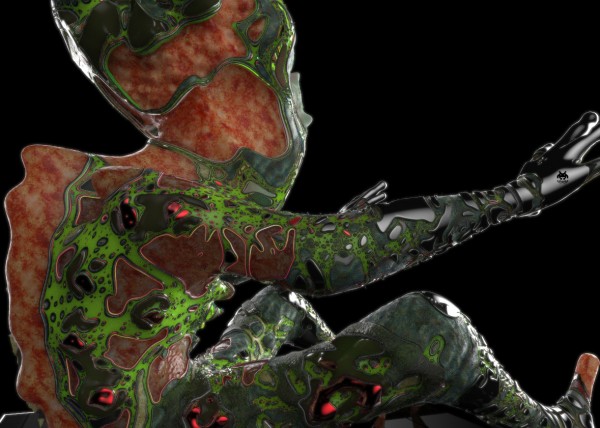
- [E]l Papa
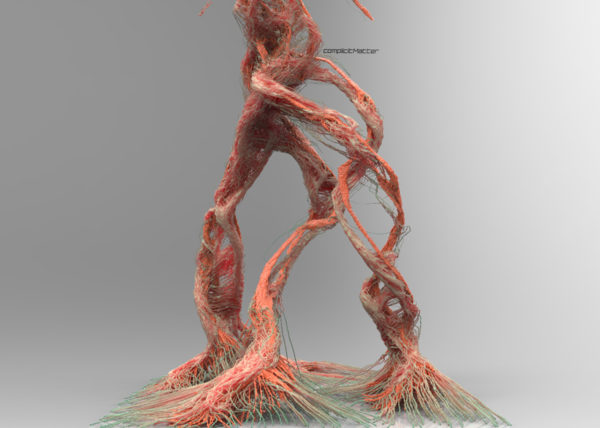
- [S]hatter.Brain
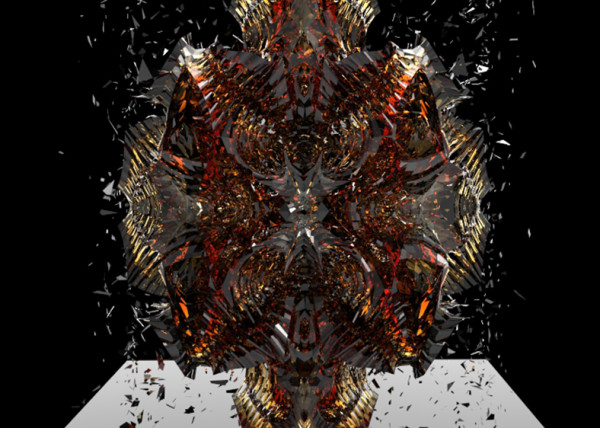
- [S]tigmergy
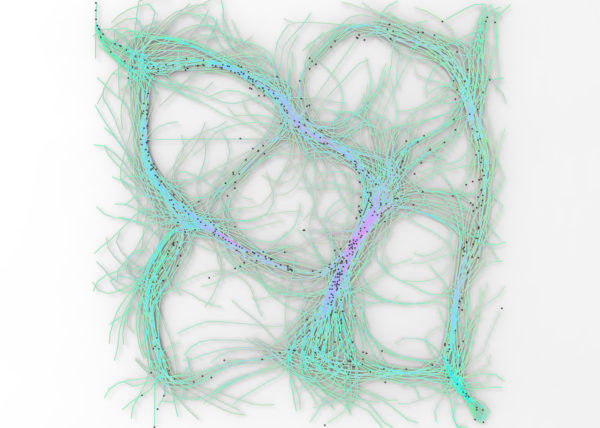
- [F]orces
- CULEBRA.JAVA

- [C]ulebra.MultiBehaviors
- [S]ticky Stuff
- [S]entinels
- [G]allopingTopiary
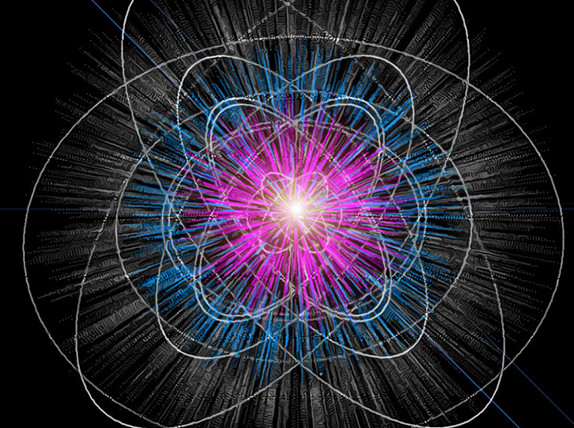
- RELUXOED
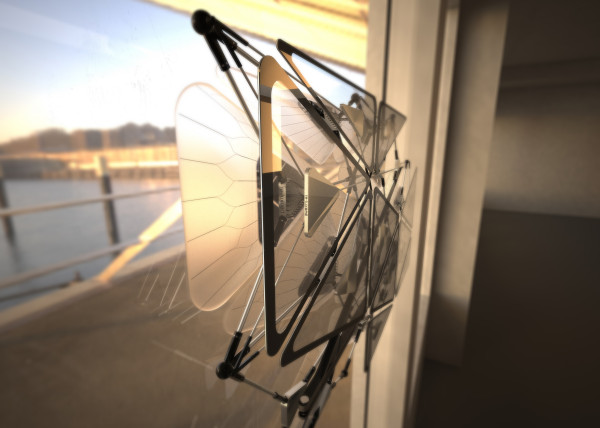
- [SRC] . Semi Rigid Car
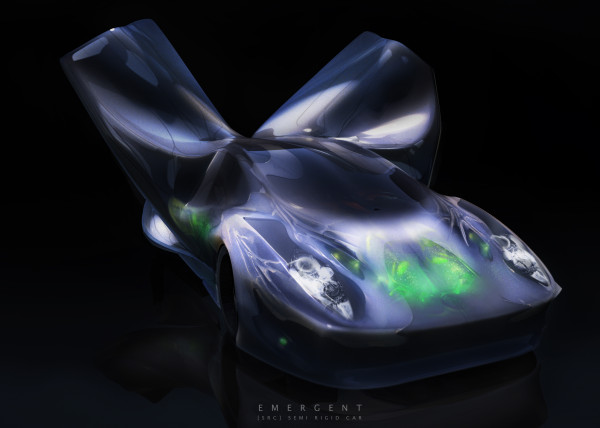
- [P]erlin
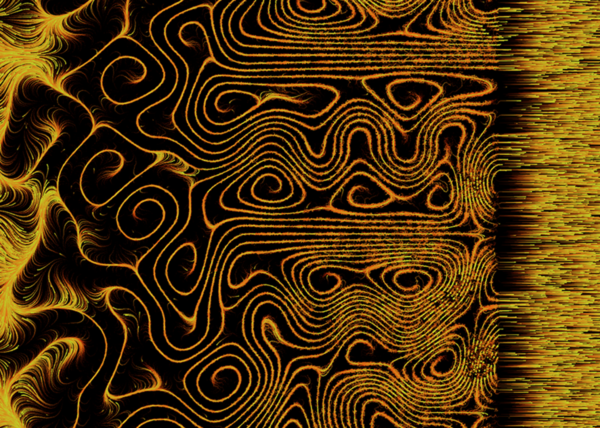
- [E]ternal Wanderers
- [W]heelie
- [S]labacube
- [M]esh Crawlers
- [L]a Silla
- [3]D BabyMaking Trackstars
- [3]D Trackers
- [2]D BabyMaking Trackers
- [T]rackers
- CULEBRA GRASSHOPPER

- culebra.[M]eshCrawlers.3D
- culebra.[H]ybrid.3D
- culebra.[F]lorgy
- culebra.[F]ockers.3D
- culebra.[F]ockers.2D
- culebra.[N]oisey.3D
- [E]l Nino
- culebra.[S]elfOrg
- [D]rippin
- culebra.[N]oisey.2D
- [C]reepyCrawlers
- [J]eepresesCreepers
- [T]2000
- PUFFER PLEATNESS
- EMERGEN[CY]
- [L]iquified
- [S]uckedComp
- [X]plosion
- MR. EW
- [H]airGoo
- [B]alled
- [n]injaStars
- [b]loomer
- [t]rip city
- TAPE GUNNED
- [B]oom
- [M]iller Time
- [D]elamjam
- [B]rain Zapper
- [B]ig Bird
- [E]gg Tube Pavillion
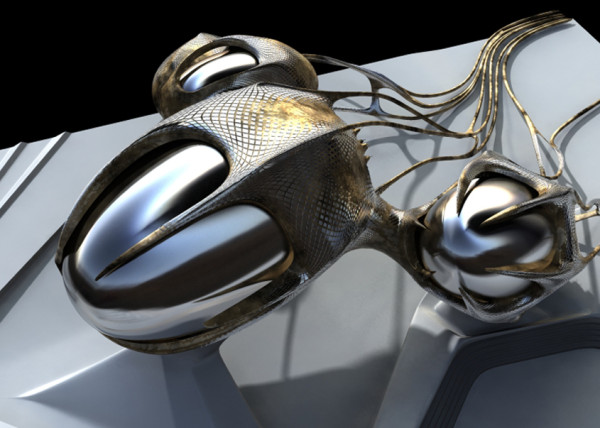
- [A]llice’s Easter Tree
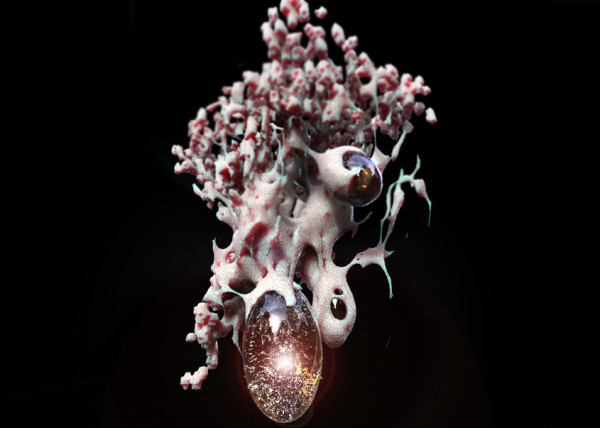
- [S]weet Honey
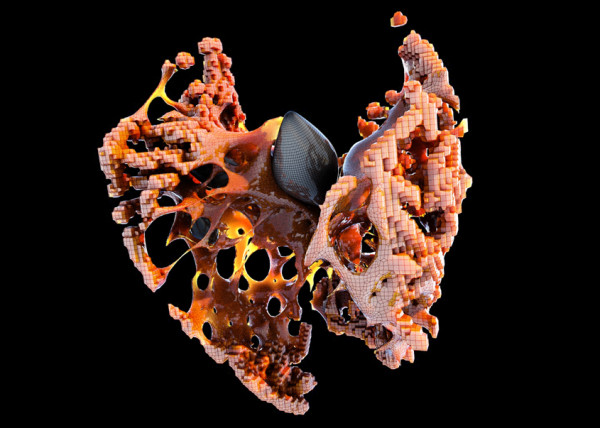
- [U]M.Urgent
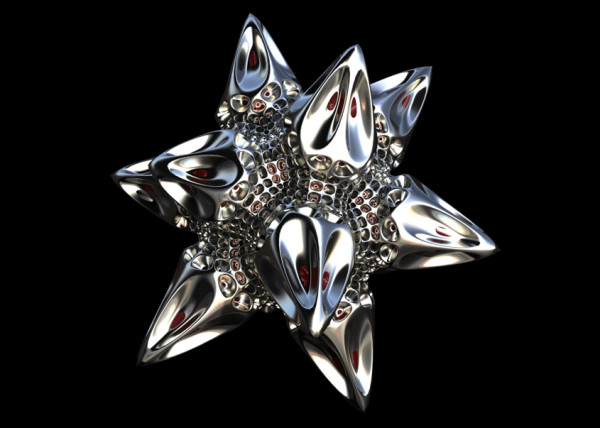
- [t]oo.urgent
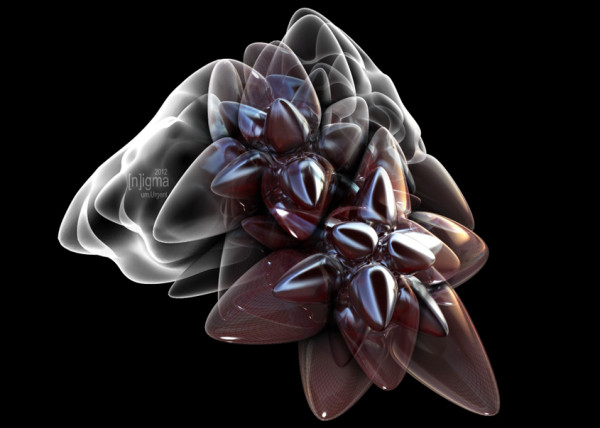
- [B]onnie..+..Clyde
- [B]io Mess
- [EL]Mojado.Virus
- [W]HAT the …!
- [H]ot Lava
- [P]leat Diddy
- [t]erminator easter egg
- Mr. BB
- [B]less You
- [F]antastic + Interactive
- [S]oo_Minimally_Pathed
- [P]uffer Fish.Fab
- [M]an Eater
- [AHH] Alien House Hunters
- [W]eave Machine
- Sportbike Racing
- Grappling

- Kart Racing


Leave a reply